


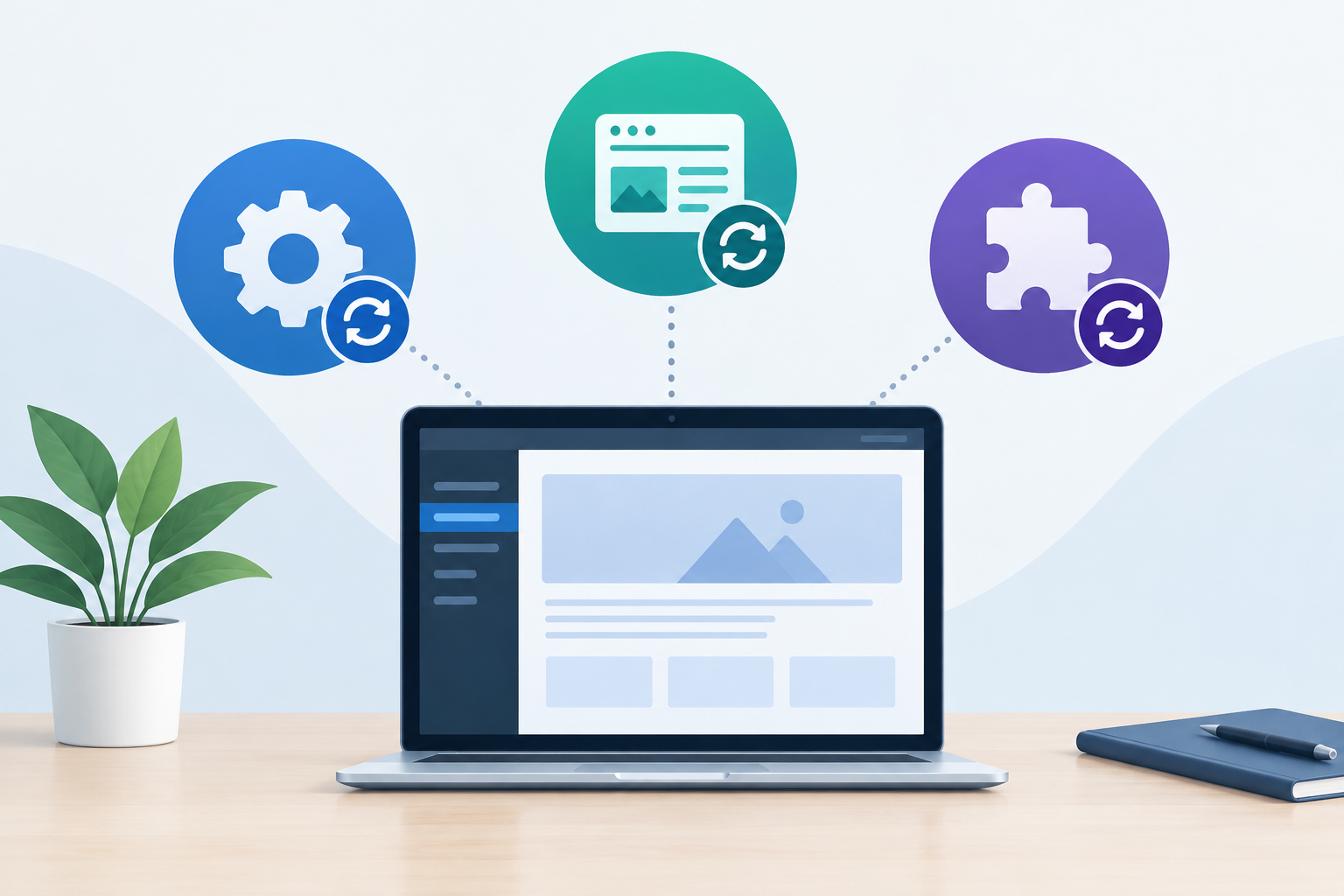
WordPress core updates change the main content management system, theme updates change the site’s design framework and templates, and plugin updates change individual features or integrations. Each update type may include security fixes, compatibility changes, bug fixes, or improvements, so safe WordPress update management requires a current backup, testing, and post-update verification.
The three types of WordPress updates at a glance
| Update type | What it changes | What to verify |
|---|---|---|
| WordPress core | The main WordPress software, administration tools, APIs, and system behavior | Login, editing, forms, media, scheduled tasks, and critical workflows |
| Theme | Templates, styling, layouts, and theme-specific functions | Page appearance, navigation, responsive layouts, and customized templates |
| Plugin | A specific feature, integration, or operational function | The updated feature, connected services, forms, checkout, and background processes |
These components work together rather than independently. A core change can affect a plugin, while a plugin update can expose a conflict with the active theme. For a broader foundation, see this practical maintenance guide.
What is a WordPress core update?
WordPress core is the main software that powers the dashboard, content editing, user management, media handling, APIs, and many system-level functions. Core releases may address vulnerabilities, repair bugs, improve performance or accessibility, and introduce or refine features.
Minor releases often focus on maintenance and security, while major releases can introduce broader changes. Version labels alone should not determine the process. Review the release details, confirm server and extension compatibility, and test business-critical functions before updating production.
What is a WordPress theme update?
A theme controls much of a site’s presentation and may also provide templates, layout tools, navigation behavior, and theme-specific features. Theme updates can change visual output, improve compatibility, patch security issues, or fix display problems.
Direct edits to a parent theme can be overwritten during an update. Customizations should be placed in an appropriate child theme or another maintainable implementation. After updating, check key pages on desktop and mobile, including headers, menus, forms, reusable templates, and conversion paths.
What is a WordPress plugin update?
Plugins add capabilities such as forms, analytics, search, caching, security controls, memberships, or ecommerce functions. A plugin update changes that specific extension, but its effect can spread to the theme, database, connected services, or other plugins.
Plugin updates vary in urgency and complexity. A security patch may need prompt attention, while a feature release may justify additional testing. The right cadence depends on risk and release details, as explained in this guide to WordPress update frequency.
Why updates can create compatibility problems
A WordPress site is a connected software stack. Problems can occur when one component expects behavior that another component no longer provides, custom code relies on a changed function, or the hosting environment lacks a required software version.
- A plugin is not yet compatible with a new core release.
- A theme overrides templates that a plugin has changed.
- Custom code uses a function that has been deprecated or modified.
- An update changes database structures or background tasks.
- Caching hides an error or continues serving outdated files.
- The server’s PHP version or resources do not meet new requirements.
Updates remain important because leaving known vulnerabilities or defects unaddressed creates its own exposure. The goal is controlled change, not avoiding change. This is why maintenance is risk management rather than a simple update-clicking task.
A safer WordPress update process
A dependable process considers the purpose and dependencies of each update instead of applying everything blindly. It also creates a practical recovery path if testing reveals an issue.
- Review release notes, security notices, compatibility information, and known issues.
- Create a current backup of both website files and the database.
- Test proposed updates on a separate testing environment that reflects the live site.
- Check important pages, forms, login, search, integrations, and business-critical transactions.
- Apply validated changes to production during an appropriate maintenance window.
- Clear relevant caches and repeat functional and visual checks.
- Monitor errors, availability, security alerts, and user-reported issues after deployment.
- Document the updates, test results, and any remediation work.
For sites with custom code, ecommerce, high traffic, or operational dependencies, testing-server validation is especially valuable. A professional workflow should also include backups, monitoring, troubleshooting, and reporting. Learn more about professional provider expectations.
How new website owners should prioritize updates
Prioritize confirmed security fixes and actively exploited vulnerabilities, but do not assume every available update should bypass testing. Consider the site’s exposure, component dependencies, available recovery options, and the consequences of downtime or broken functionality.
Keep only supported themes and plugins, remove unused components that are no longer needed, and replace abandoned software when appropriate. WordPress maintenance updates contribute to better security and reliability, but they cannot guarantee that a website will never be compromised or experience an error.
The practical difference
The simplest distinction is scope: core runs WordPress, the theme presents the site, and plugins extend what it can do. Because those layers interact, each update should be treated as a controlled technical change with a backup, validation, deployment checks, and monitoring. That process helps reduce avoidable security, compatibility, and continuity risks.
Frequently asked questions
What is the difference between WordPress core, theme, and plugin updates?
WordPress core updates modify the main WordPress software, theme updates modify the site’s design framework and templates, and plugin updates modify individual features or integrations. All three can include security fixes, compatibility changes, bug fixes, and improvements.
Should WordPress core, themes, and plugins all be updated?
Generally, yes. Supported components should be kept current, especially when an update addresses a security vulnerability. Updates should be backed up, tested for compatibility, and verified afterward rather than installed without review.
What should be updated first in WordPress?
There is no universal order for every site. Review release notes and dependencies first, take a current backup, test the proposed updates on a separate environment, and then use the order that the test confirms is compatible.
Can a WordPress update break a website?
An update can cause errors when components are incompatible, custom code is overwritten, or the server does not meet new requirements. Testing, backups, and post-update checks reduce the likelihood and impact of these problems.
How often should WordPress updates be installed?
Check for updates frequently and prioritize security releases. The installation schedule should reflect the update’s urgency, the site’s complexity, and the testing needed to protect important functions.