


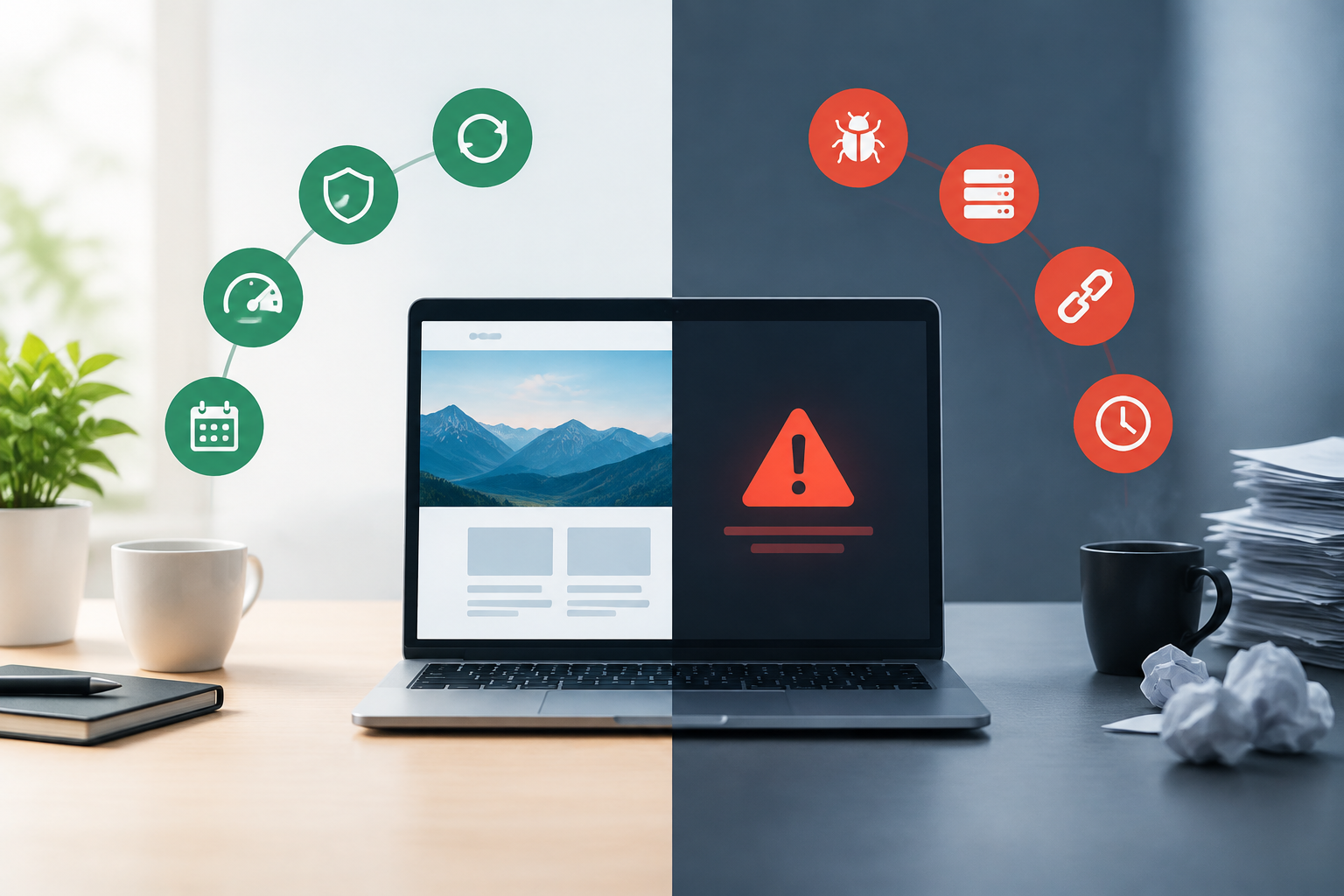
Proactive WordPress support prevents and detects problems through scheduled updates, testing, backups, monitoring, security checks, and performance work. Reactive WordPress support begins after an error, outage, security event, or service request occurs. For business continuity, the strongest model combines continuous preventive maintenance with a defined process for responding to incidents that still happen.
Proactive vs. reactive WordPress support at a glance
| Factor | Proactive WordPress support | Reactive website support |
|---|---|---|
| Timing | Continuous and scheduled | After a problem or request |
| Primary goal | Reduce risk and detect issues early | Restore service or solve a reported issue |
| Updates | Planned, validated, and monitored | Often applied when outdated software causes concern |
| Backups | Created and checked on a defined schedule | May be created or located during recovery |
| Monitoring | Ongoing uptime, security, and performance visibility | Typically limited until symptoms are reported |
| Budgeting | More predictable recurring cost | Variable cost tied to incidents and repair scope |
| Business continuity | Supports prevention and recovery readiness | Concentrates mainly on recovery after disruption |
The difference is not simply whether a technician is available. It is whether the website is managed as an ongoing operational asset or repaired only when someone notices a problem. For a broader explanation of recurring care, see this WordPress maintenance guide.
What proactive WordPress maintenance includes
Proactive WordPress maintenance follows a recurring process designed to find, prevent, and contain technical problems. The exact scope depends on the website, but business support commonly includes the following activities.
- WordPress core, theme, and plugin updates
- Testing-server validation before production updates
- Daily WordPress backups and recovery preparation
- Uptime and availability monitoring
- Security monitoring and threat investigation
- Performance checks and speed optimization
- Technical troubleshooting and support access
- Monthly maintenance reports and documented actions
These activities form a maintenance cycle rather than a set of unrelated tasks. Monitoring identifies unusual behavior, maintenance addresses known risks, backups provide a recovery path, and reports help operations leaders confirm what was completed and what still needs attention.
Testing updates before they affect customers
WordPress websites combine software from multiple sources, along with hosting settings, custom code, integrations, and business workflows. An individual update may be valid while still creating a compatibility issue elsewhere. Testing-server validation allows updates and key functions to be checked away from the live website before production deployment.
Validation should focus on high-value paths, such as forms, authentication, navigation, search, checkout, payment handoffs, account areas, and third-party integrations. This process reduces deployment risk, although no testing approach can eliminate every possible production issue.
Monitoring, backups, and early intervention
Without monitoring, a website issue may remain unnoticed until customers complain or revenue falls. Uptime and security monitoring can surface warning signs sooner, while daily backups support recovery if a change, intrusion, or system failure damages the site.
A backup is useful only when its scope, retention, access, and restoration process are understood. Operations teams should know who can initiate recovery, what data is included, how recent the available restore point is, and how the site will be verified after restoration.
What reactive website support looks like
Reactive support is a break-fix model. Work starts after someone reports a symptom, such as an unavailable page, failed checkout, broken layout, plugin error, slow administration area, malware warning, or unsuccessful update.
This model remains important because preventive maintenance cannot remove all risk. Hosting failures, zero-day vulnerabilities, third-party outages, human error, and unexpected software conflicts can still occur. The limitation appears when reactive support becomes the entire strategy rather than the emergency layer within a broader maintenance program.
Common limitations of a reactive-only model
- Problems may continue until a customer or employee notices them.
- The root cause can be harder to diagnose without historical monitoring data.
- Backups may be missing, outdated, incomplete, or difficult to restore.
- Emergency work can interrupt planned operational and marketing activity.
- Deferred updates can accumulate compatibility and security risk.
- Repair costs and timelines may be difficult to predict in advance.
- Responsibility and escalation paths may be unclear during an incident.
Organizations deciding between internal break-fix work and ongoing external care can use this managed support comparison to assess workload, accountability, and risk.
How the support model affects WordPress business continuity
WordPress business continuity is the ability to keep essential website functions available, recover from disruption, and communicate clearly during incidents. Maintenance contributes to continuity by lowering preventable risk and preparing the people, data, and procedures needed for recovery.
Availability and revenue protection
For a brochure site, a short interruption may primarily affect credibility and lead capture. For a WooCommerce store, membership platform, customer portal, or high-traffic publisher, the same interruption can affect orders, service delivery, customer support, and internal workflows. The greater the operational dependency, the less appropriate a reactive-only model becomes.
Security risk reduction
Proactive maintenance helps reduce exposure by keeping supported software current, watching for suspicious activity, and addressing findings before they develop into larger incidents. It should not be presented as immunity from hacking. Effective security uses layers and requires both preventive controls and a documented response process.
Performance and customer experience
Performance often declines gradually because of database growth, configuration changes, resource pressure, inefficient assets, or new functionality. Continuous observation makes trends easier to identify before they become severe. Faster and more stable pages can support usability, conversion, and search visibility, but maintenance alone does not guarantee rankings or commercial outcomes.
Operational visibility and accountability
Monthly maintenance reports give stakeholders a record of updates, monitoring, security observations, performance work, support activity, and recommendations. This visibility helps an operations director track risk, plan technical work, and verify that routine maintenance is not being deferred.
Cost comparison: prevention versus break-fix repairs
Reactive support can appear less expensive because there is no recurring maintenance commitment. That calculation changes when the organization considers the full cost of an incident, including diagnosis, emergency labor, lost transactions or leads, staff disruption, data recovery, customer communication, and reputational impact.
Proactive maintenance shifts more of the cost into a predictable operating expense. It does not make incidents impossible, but it can reduce avoidable failures, shorten detection time, and improve recovery readiness. Buyers should compare support models using total business exposure rather than service fees alone.
- How much revenue or lead volume depends on the website?
- What would one hour or one day of downtime disrupt?
- How frequently do content, software, and integrations change?
- Does the site process payments or sensitive customer data?
- Are current backups recent, accessible, and suitable for recovery?
- Who owns incident decisions outside normal business hours?
- What internal work would stop during a website incident?
Which support model fits your website?
A low-complexity informational website with limited traffic and no critical integrations may accept more reactive risk. A business-critical site typically needs structured preventive maintenance, tested changes, daily backups, continuous monitoring, and dependable escalation. The maintenance plan comparison can help align support depth with website complexity and business impact.
| Website profile | Practical support direction | Reason |
|---|---|---|
| Small informational site with low business dependency | Basic proactive maintenance with a clear repair path | Prevents routine neglect while keeping scope proportionate |
| Lead-generation business website | Recurring maintenance, monitoring, backups, and support | Forms, availability, and performance affect pipeline |
| WooCommerce store | Higher-touch proactive maintenance plus incident response | Checkout, orders, accounts, and integrations require continuity |
| Agency-managed client portfolio | Standardized maintenance process and escalation | Consistency and reporting help protect client relationships |
| Enterprise or high-traffic platform | Governed maintenance, controlled releases, monitoring, and recovery planning | Complexity and outage impact require stronger controls |
Organizations with high-value websites can review the Business maintenance plan to understand when broader support may be appropriate.
Questions to ask before selecting WordPress support
A credible provider should explain its operating process, not just list technical features. Ask for specific answers about ownership, testing, monitoring, recovery, communication, and reporting.
- Are updates tested away from production before deployment?
- Which customer journeys and integrations are checked after updates?
- How often are backups created, and what do they include?
- How are backup failures identified and handled?
- What uptime, security, and performance signals are monitored?
- How are urgent incidents submitted and escalated?
- What is included in routine support versus separate project work?
- What information appears in monthly maintenance reports?
- How are credentials and administrative access protected?
- What happens during onboarding, cancellation, and service handoff?
Response expectations should be documented carefully. A fast acknowledgment is not necessarily the same as full resolution, since recovery time depends on severity, access, dependencies, and the complexity of the fault.
A practical continuity model for WordPress
The strongest approach does not choose prevention instead of response. It places both within one operating model: prevent routine failures, detect abnormalities quickly, respond through defined channels, recover from reliable backups, verify business functions, and document what happened.
- Prevent: Maintain software, configurations, performance, and access controls.
- Detect: Monitor uptime, security indicators, and operational symptoms.
- Respond: Assign ownership, triage severity, and communicate status.
- Recover: Restore clean data or correct the underlying fault.
- Validate: Test critical pages, forms, transactions, and integrations.
- Improve: Record findings and adjust controls to reduce recurrence.
How HorizonWP supports proactive website care
HorizonWP provides structured WordPress and WooCommerce maintenance built around testing-server validation before production updates, daily backups, proactive security monitoring, performance optimization, uptime monitoring, technical support, and monthly reporting. Cyberattack emergency response complements this preventive foundation when urgent intervention is required.
For business websites that need sustained coverage, the Business Plan (Six Months) provides a six-month service term. The Business Plan (Year) provides an annual term and is suited to organizations planning ongoing maintenance across a longer operating cycle.
The appropriate level of care depends on website complexity, traffic, integrations, revenue exposure, and tolerance for interruption. Contact HorizonWP at info@horizonwp.io or +351 910 733 938 to discuss the current environment, business-critical workflows, and continuity requirements.
Choose prevention without neglecting incident response
Proactive vs. reactive WordPress support is not an either-or decision for a business-critical website. Preventive maintenance should be the operating baseline, while reactive expertise should remain available for incidents that cannot be avoided. Together, testing, monitoring, backups, support, and reporting create a more resilient foundation for WordPress business continuity.
Frequently asked questions
What is the difference between proactive and reactive WordPress support?
Proactive WordPress support continuously maintains and monitors a website to reduce the likelihood and impact of problems. Reactive support addresses failures, errors, security events, or requests after they occur. A resilient business website generally needs proactive maintenance backed by a clear reactive incident-response process.
Is reactive website support enough for a business WordPress site?
Reactive support may be adequate for a low-risk, noncritical website whose owner can tolerate outages and delayed repairs. It is usually insufficient for websites that generate leads, process sales, serve customers, or support essential operations because it does not provide continuous prevention, monitoring, and recovery readiness.
How does proactive WordPress maintenance reduce downtime?
It reduces downtime risk through controlled updates, uptime and security monitoring, daily backups, performance checks, and early investigation of warning signs. It cannot prevent every incident, but it can lower the likelihood of avoidable failures and improve recovery readiness.
Why should WordPress updates be tested before production?
Updates can introduce compatibility problems among WordPress core, themes, plugins, custom code, and hosting configurations. Testing-server validation helps identify visible errors, broken workflows, and other conflicts before changes reach the production site.
Which businesses benefit most from proactive support?
WooCommerce stores, high-traffic websites, lead-generation sites, membership platforms, agency-managed portfolios, enterprise installations, and websites with custom integrations benefit most because downtime or technical degradation can have significant operational and financial consequences.
What should a WordPress business continuity plan include?
It should define maintenance responsibilities, tested update procedures, backup frequency and retention, monitoring, escalation paths, recovery steps, support contacts, reporting, and acceptable recovery objectives. The plan should be reviewed whenever the website’s risk, traffic, integrations, or business role changes.