



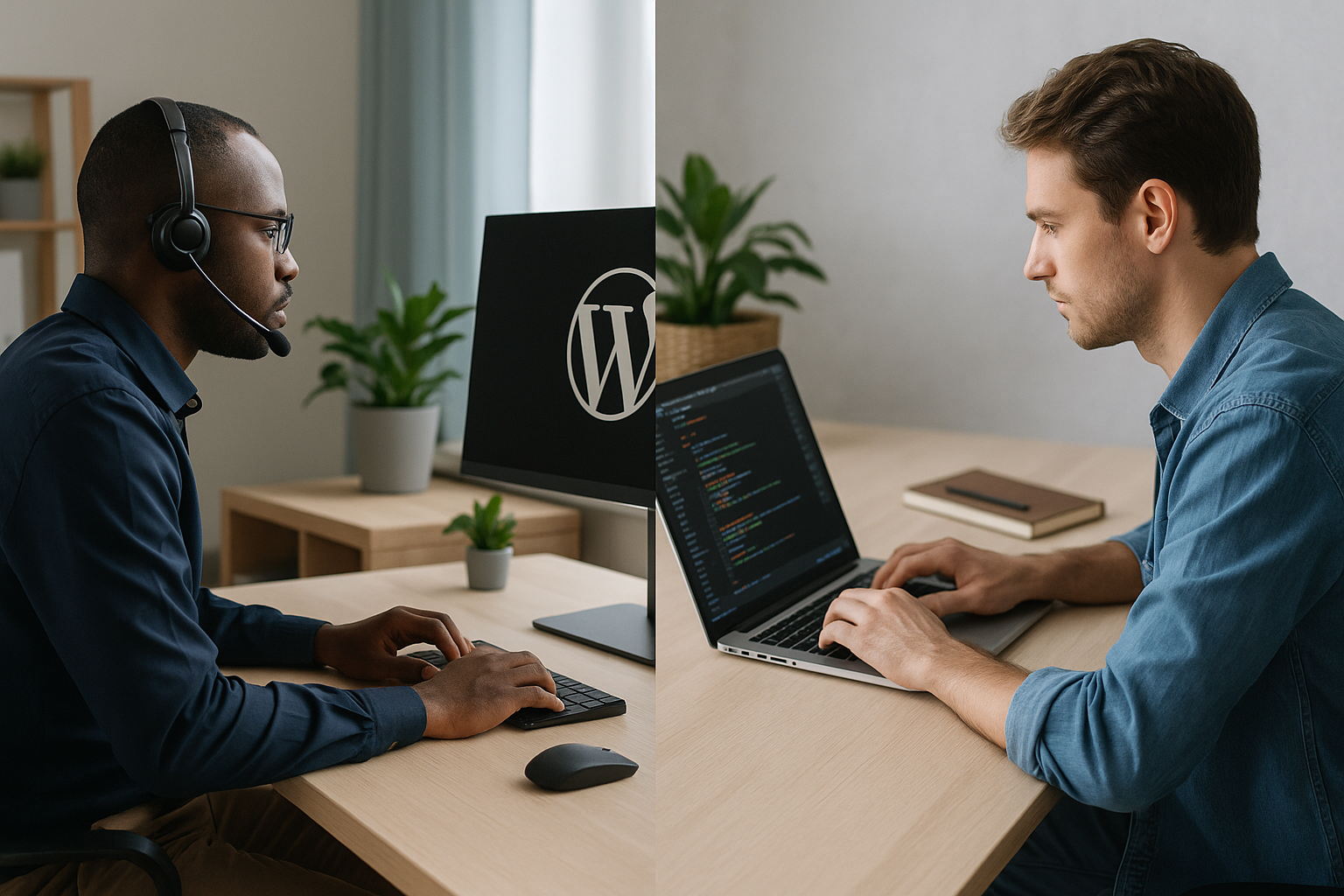
Managed WordPress support is better than DIY maintenance for most businesses that depend on their website for revenue, lead generation, or brand credibility. DIY WordPress maintenance can be cost-effective for small, low-risk sites, but professional support usually provides stronger security, faster troubleshooting, fewer disruptions, and more predictable website performance.
What Managed WordPress Support Includes
Managed WordPress support is an ongoing service that keeps your WordPress website secure, updated, backed up, monitored, and performing properly. Instead of relying on an internal team member to remember technical tasks between other responsibilities, a dedicated support provider handles maintenance on a consistent schedule.
For founders, operations leaders, and marketing managers, the main value is not just “someone updates plugins.” The real value is confidence: your site is watched, maintained, and supported by people who work in WordPress every day.
- WordPress core, theme, and plugin updates
- Backup management and restore support
- Security monitoring and malware response
- Uptime monitoring and issue alerts
- Performance checks and optimization recommendations
- Bug fixes and technical troubleshooting
- Compatibility testing before or after updates
- Support requests for small site changes
- Reporting on completed maintenance tasks
What DIY WordPress Maintenance Requires
DIY WordPress maintenance means your business handles all updates, backups, monitoring, security checks, and troubleshooting internally. This may be the founder, a marketing coordinator, an operations manager, a developer, or whoever has access to the WordPress dashboard.
On paper, DIY looks simple. In practice, it requires discipline, documentation, and the ability to respond quickly when something breaks. WordPress is flexible, but that flexibility also means themes, plugins, hosting environments, and custom code can interact in unexpected ways. For baseline guidance, WordPress.org publishes documentation on updating WordPress and hardening WordPress security.
- Checking for WordPress core, plugin, and theme updates
- Testing updates for compatibility issues
- Creating and verifying backups
- Monitoring uptime and error messages
- Reviewing security alerts and suspicious activity
- Fixing broken layouts, forms, checkout flows, or integrations
- Renewing licenses for themes, plugins, and tools
- Documenting changes and maintaining admin access controls
Managed WordPress Support vs. DIY Maintenance: Quick Comparison
The right choice depends on your website’s role in the business. If the site is a simple brochure with minimal traffic, DIY may be enough. If the site supports sales, marketing campaigns, customer acquisition, recruiting, donations, bookings, or ecommerce, managed WordPress support is usually the safer option.
- Cost: DIY may have lower direct costs, while managed support creates a predictable monthly expense.
- Time: DIY requires internal time every week or month; managed support frees your team to focus on strategy and operations.
- Risk: DIY depends on one person’s knowledge and availability; outsourced WordPress maintenance provides more consistent coverage.
- Speed: Managed providers can often diagnose and resolve common issues faster than non-specialists.
- Security: DIY security is only as strong as your process; professional support usually includes proactive monitoring and response.
- Scalability: DIY may work early on, but managed support scales better as your site, traffic, plugins, and business needs grow.
The Real Cost of DIY WordPress Maintenance
DIY WordPress maintenance is often described as “free,” but that is rarely accurate. The cost is simply hidden inside staff time, lost focus, delayed projects, and business risk.
For example, if a marketing manager spends two to four hours each month checking updates, fixing plugin conflicts, contacting hosting support, or troubleshooting a broken form, that time has a real cost. It may also take that person away from campaigns, conversion improvements, analytics, or customer-facing work.
The bigger cost appears when something goes wrong. A failed update can break a page builder layout. A plugin conflict can disable a lead form. A missed renewal can remove a key feature. A security issue can damage customer trust. A slow site can reduce conversions and organic visibility. Even Google’s guidance on page experience reinforces why reliable, usable websites matter for search and users.
DIY Can Make Sense When
- Your website is small, low-traffic, and not mission-critical.
- You have someone in-house with WordPress experience and available time.
- You use a simple theme and a small number of reputable plugins.
- You have reliable backups and know how to restore them.
- You can tolerate some downtime or slower issue resolution.
- You have a documented maintenance checklist and follow it consistently.
DIY Becomes Risky When
- Your website generates leads, sales, appointments, or donations.
- You run paid campaigns that depend on landing pages and tracking scripts.
- You have ecommerce, memberships, forms, portals, or third-party integrations.
- Your site uses many plugins or custom functionality.
- No one internally owns maintenance clearly.
- You have experienced downtime, malware, broken updates, or recurring bugs.
- Your team delays updates because they are afraid something will break.
Why Businesses Choose Managed WordPress Support
Businesses typically choose managed WordPress support when the website has become too important to maintain casually. The goal is not only to prevent technical problems but also to create a dependable operating model for the site.
Professional WordPress support services help reduce the “single point of failure” problem. If one internal employee leaves, gets busy, or lacks technical depth, maintenance can fall behind. With a support partner, the process is more structured and less dependent on one person’s memory.
1. Better Reliability and Uptime
A business website should be available when prospects, customers, and partners need it. Managed support typically includes uptime monitoring, issue alerts, and a process for escalation. That does not guarantee a site will never have problems, but it does improve the chances that issues are caught quickly.
2. Stronger Security Practices
WordPress security depends on layers: updates, strong credentials, least-privilege access, trusted plugins, backups, monitoring, and fast response. Managed WordPress support helps keep those layers active. This matters because outdated plugins and weak maintenance habits are common sources of website compromise. The OWASP Top 10 is also a useful reference for understanding common web application security risks.
3. Faster Troubleshooting
When a form stops sending notifications or a homepage breaks after an update, speed matters. A specialist who has seen similar issues across many WordPress sites can often identify likely causes quickly. That reduces downtime and avoids the trial-and-error approach that slows down DIY maintenance.
4. More Predictable Workflows
With managed support, maintenance becomes a scheduled business process instead of an occasional scramble. Updates, backups, reports, and support requests happen within an agreed workflow. For operations and marketing teams, that predictability is valuable.
5. More Focus for Your Internal Team
Your team’s best work may be strategy, content, sales, operations, customer success, or product development—not plugin testing. Outsourced WordPress maintenance lets internal staff focus on the work that directly grows the business while specialists handle technical upkeep.
Potential Downsides of Managed WordPress Support
Managed WordPress support is not automatically the right fit for every business. It introduces a recurring cost, and the quality of service depends heavily on the provider you choose.
- Monthly expense: You will pay more in direct costs than a purely DIY approach.
- Scope limits: Some plans include maintenance and small fixes but exclude redesigns, custom development, SEO, or major performance work.
- Response times: Not all providers offer the same urgency or availability, so service-level expectations matter.
- Provider fit: A low-quality provider may be reactive, unclear, or slow to communicate.
- Access and process: You need to share site access securely and align on how requests are submitted and approved.
The key is to evaluate managed WordPress support as a business relationship, not just a checklist. Look for clear communication, transparent scope, proactive maintenance, reporting, and experience with sites similar to yours.
How to Decide: Questions to Ask Before Choosing
Before deciding between DIY WordPress maintenance and outsourced support, evaluate the business impact of your website. The more your company depends on the site, the more valuable professional support becomes.
- How much revenue, pipeline, or customer activity depends on the website?
- What would one day of downtime cost in lost leads, sales, or trust?
- Who currently owns WordPress maintenance, and do they have enough time?
- Do we have a tested backup and restore process?
- How quickly can we fix a broken form, checkout, landing page, or integration?
- Are plugin and theme updates handled consistently?
- Do we know which plugins are business-critical and which are risky or unnecessary?
- Have we had security issues, spam, downtime, or update failures in the past?
- Would our internal team create more value by focusing on marketing, operations, or sales instead?
When a Hybrid Approach Works Best
Some businesses do not need to choose a fully outsourced or fully DIY model. A hybrid approach can work well: your team manages content, campaigns, page updates, and approvals, while a WordPress support provider handles the technical foundation.
This model is especially useful for marketing teams. Internal staff can move quickly on messaging and conversion goals, while technical experts protect the site from maintenance debt, plugin conflicts, backup gaps, and avoidable downtime.
- Your team handles blog posts, landing page copy, images, and campaign updates.
- Your support provider handles updates, backups, monitoring, security, and technical fixes.
- Your team owns business priorities and approvals.
- Your provider advises on risks, performance, and maintainability.
What to Look for in WordPress Support Services
If you are comparing providers, do not buy on price alone. The cheapest plan may only run updates, while a stronger partner can help protect revenue, improve site stability, and support your team’s workflow.
- Clear maintenance scope: Know exactly what is included and what costs extra.
- Reliable backups: Backups should be automated, stored safely, and restorable.
- Update process: Ask whether updates are tested and how issues are handled.
- Security monitoring: Look for malware scanning, vulnerability awareness, and response support.
- Uptime monitoring: The provider should know quickly if the site becomes unavailable.
- Support request process: There should be a simple way to submit tasks and track status.
- Reporting: Monthly or regular reports help you see what work was completed.
- Communication quality: Fast, clear communication is often as important as technical skill.
- WordPress experience: Choose a team that understands WordPress-specific performance, plugin, theme, and hosting issues.
Recommendation: Choose Based on Risk, Not Just Cost
If your website is not central to your business and you have a capable person available, DIY WordPress maintenance may be enough for now. But if your site supports meaningful business outcomes, managed WordPress support is usually the better long-term choice.
The decision comes down to risk and opportunity cost. DIY may reduce direct spending, but it can increase exposure to downtime, security issues, broken functionality, and staff distraction. Managed support adds a predictable expense, but it also gives your business a more reliable, accountable, and scalable way to maintain WordPress.
For most growing businesses, the best answer is simple: keep business ownership in-house, but outsource the technical maintenance to a trusted WordPress support partner.
Frequently asked questions
Is managed WordPress support better than DIY maintenance?
Managed WordPress support is better for most businesses that depend on their website for leads, sales, or customer trust because it provides proactive maintenance, security monitoring, backups, troubleshooting, and expert help. DIY maintenance can work for small, low-risk sites if someone in-house has WordPress experience and time to manage it consistently.
What is included in managed WordPress support?
Managed WordPress support commonly includes WordPress core, theme, and plugin updates; backups; uptime monitoring; security checks; malware response; performance recommendations; bug fixes; and support for small website changes. Exact inclusions vary by provider and plan.
Is DIY WordPress maintenance really cheaper?
DIY WordPress maintenance can be cheaper in direct costs, but it is not free. The real cost includes staff time, delayed marketing work, technical mistakes, missed updates, downtime risk, and slower troubleshooting when problems occur.
When should a business outsource WordPress maintenance?
A business should consider outsourced WordPress maintenance when its website generates leads, sales, bookings, donations, or customer engagement; when updates are being delayed; when no one clearly owns maintenance; or when downtime and security issues would create meaningful business risk.
Can my team still update content if we use WordPress support services?
Yes. Many businesses use a hybrid model where the internal team updates content, publishes blog posts, and manages campaigns while the support provider handles technical maintenance, backups, security, monitoring, and troubleshooting.