



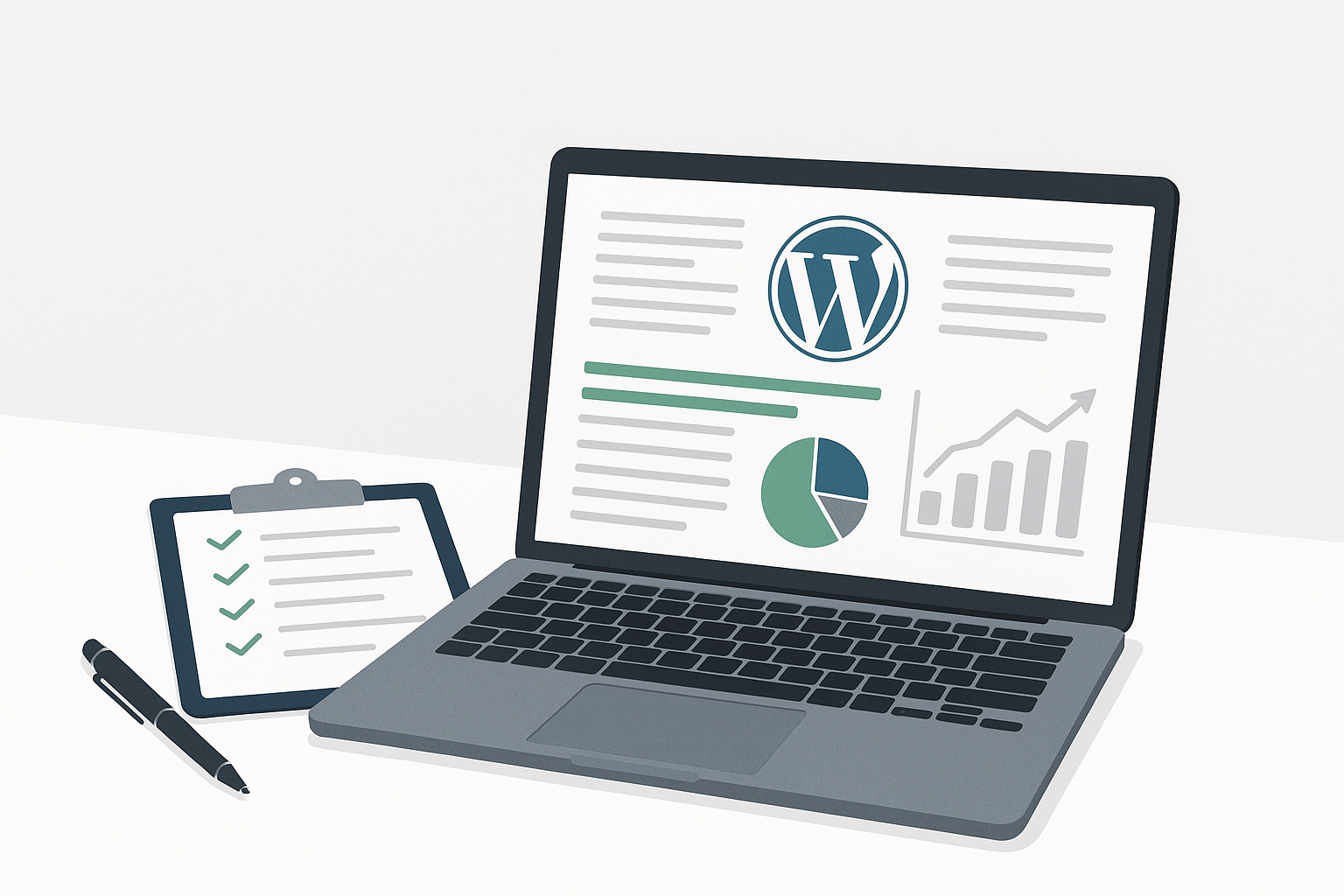
A WordPress maintenance report should clearly show what was updated, whether backups ran successfully, what security monitoring found, how the site performed, whether uptime was stable, what support work was completed, and what should be addressed next. For business owners, the report should connect technical maintenance to practical value: continuity, reduced operational risk, faster issue resolution, and better visibility into website health.
Why Monthly WordPress Maintenance Reports Matter
A monthly website maintenance report is more than a list of completed tasks. It is a record of stewardship for a business-critical asset. Your website may generate leads, process sales, support customers, host gated content, or represent your brand to prospects. If it is not maintained, small technical issues can turn into downtime, security exposure, broken forms, slow pages, or lost revenue opportunities.
Transparent website maintenance reporting also helps stakeholders evaluate whether their WordPress care plan is delivering ongoing value. A useful report should make technical work understandable to business owners, marketing managers, IT leaders, and finance teams without requiring them to read server logs or plugin changelogs.
If you are still defining what maintenance should include, HorizonWP’s guide to professional WordPress maintenance explains the core expectations businesses should have from a structured provider.
What Should Be Included in a WordPress Maintenance Report?
A strong monthly WordPress maintenance report should include both completed work and current risk status. It should answer three questions: What was done? What changed? What needs attention next?
- WordPress core, theme, and plugin updates completed during the month
- Testing notes, especially when updates were validated before being applied to production
- Backup status, backup frequency, and any restore testing or backup integrity notes
- Security scans, vulnerability findings, malware checks, and mitigation actions
- Uptime and availability monitoring results
- Performance metrics, including changes in page speed or key technical issues
- Support tickets, troubleshooting tasks, and resolved website issues
- WooCommerce or business-critical functionality checks, if relevant
- Recommendations, priorities, and items requiring owner approval
- A plain-language summary of overall website health
Review the Executive Summary First
The best WordPress care report begins with a short executive summary. This section should tell you whether the site is healthy, whether any urgent issues occurred, and whether the maintenance provider recommends action. It should not force you to search through screenshots, charts, or technical terms to understand the state of your website.
A good summary might say that all scheduled updates were applied successfully after testing, backups completed daily, no malware was detected, uptime remained stable, and one plugin conflict was resolved. If there is a concern, it should be stated directly with the recommended next step.
What to look for in the summary
- Overall site health status for the month
- Any incidents, alerts, or unresolved risks
- Maintenance tasks completed successfully
- Items requiring approval, budget, or stakeholder input
- Expected priorities for the next maintenance cycle
Check the WordPress Updates Report
WordPress updates are one of the most important sections of any maintenance report. The report should show which updates were applied to WordPress core, plugins, and themes. It should also explain whether updates were routine, security-related, compatibility-related, or postponed for a valid reason.
For business websites, updates should not be treated as a blind click-and-hope process. A responsible provider validates updates on a testing server or staging environment before making changes on the live site, especially when the website uses WooCommerce, custom code, membership tools, learning platforms, or lead-generation integrations.
| Report item | What it tells you | Why it matters |
|---|---|---|
| Core updates | Whether WordPress itself was updated | Keeps the foundation current and reduces known software risk |
| Plugin updates | Which extensions changed | Helps identify feature, security, and compatibility changes |
| Theme updates | Whether design framework files changed | Protects layout stability and theme security |
| Testing notes | Whether conflicts were checked before production | Reduces the chance of broken pages, forms, carts, or integrations |
| Deferred updates | Which updates were delayed and why | Shows risk management rather than silent omissions |
When reviewing this section, pay attention to deferred updates. Not every update should be rushed to production if there is a compatibility concern, but any delay should be documented with a reason and a plan.
Confirm Backup Status and Recovery Readiness
Backups are only valuable if they are current, complete, and restorable. Your monthly WordPress maintenance report should confirm that backups ran according to schedule and note any failed backup jobs, storage issues, or changes to retention settings.
For many businesses, daily backups are the practical baseline. WooCommerce stores, membership sites, and high-activity websites may need more frequent database protection because orders, user registrations, and content changes happen continuously.
The report should also make clear whether restore testing was performed or whether restore readiness was otherwise verified. HorizonWP’s article on backup retention and restore testing explains why backup strategy should include more than simply storing files.
Backup details worth reviewing
- Backup frequency and last successful backup date
- Files and database coverage
- Off-site or separate storage confirmation
- Retention period for backup versions
- Any backup failures and how they were resolved
- Restore testing notes, when included in the plan
Review Security Monitoring and Threat Findings
Security reporting should be clear, calm, and specific. A maintenance report should not promise that a website can never be hacked, but it should show what monitoring occurred, what alerts were reviewed, and what actions were taken to reduce risk.
Useful security sections often include malware scan results, vulnerability alerts, suspicious login activity, firewall or hardening changes, blocked threats, outdated components, and any incident response actions. If a security issue was found, the report should explain severity, impact, mitigation, and any recommended follow-up.
For business stakeholders, the key question is not just “Was malware found?” It is also “Are we reducing avoidable exposure?” Regular reporting helps document that known risks are being watched, prioritized, and addressed.
Evaluate Uptime and Availability Trends
Uptime monitoring shows whether your site was available to visitors during the month. A report should include uptime percentage, downtime incidents, duration, likely cause, and whether any action was taken with hosting, DNS, plugins, or third-party services.
For a brochure-style website, a brief outage may be inconvenient. For a WooCommerce store or campaign landing page, downtime can directly affect sales and advertising performance. That is why the report should distinguish between minor interruptions and business-impacting incidents.
Questions to ask about uptime
- Were there any outages this month?
- How long did each outage last?
- Was the cause identified?
- Was the hosting provider involved?
- Did downtime affect business-critical pages or checkout?
- Is recurring downtime becoming a pattern?
Look at Performance and Speed Metrics
A WordPress maintenance report should include performance observations, especially when speed optimization is part of the service plan. Metrics may include page load time, Core Web Vitals trends, image or caching issues, database overhead, plugin bloat, or hosting-related bottlenecks.
Performance reporting should avoid vague claims. Instead of saying “site speed improved,” it should identify what was optimized and what changed. Examples include caching adjustments, database cleanup, image optimization, unused plugin review, or theme-related recommendations.
Speed improvements can support user experience and technical SEO, but they should be framed accurately. Maintenance contributes to a healthier technical foundation; it does not guarantee search rankings.
Review Support Activity and Resolved Issues
Your monthly report should document support requests handled during the period. This might include broken form troubleshooting, plugin configuration, content display issues, checkout problems, analytics script adjustments, or theme layout fixes.
For business owners, this section is often where the value of a WordPress care report becomes most visible. It shows the practical work done behind the scenes to keep the website functioning for visitors, customers, and internal teams.
If your team uses the report to assess ongoing scope, compare support activity against your plan. A high number of recurring support requests may indicate the need for a higher-tier plan, a development project, or a more detailed technical review.
Make Sure Recommendations Are Prioritized
A maintenance report should not end with raw data. It should translate findings into next steps. Recommendations should be prioritized by urgency, business impact, and risk. This helps owners decide what to approve now, what to schedule later, and what to monitor.
| Priority | Example recommendation | Business reason |
|---|---|---|
| Urgent | Patch a vulnerable plugin or remove abandoned software | Reduces known security exposure |
| High | Fix checkout errors or recurring form failures | Protects revenue and lead capture |
| Medium | Optimize large images and caching configuration | Improves user experience and site efficiency |
| Low | Review unused plugins or outdated content sections | Keeps the site cleaner and easier to manage |
For a deeper checklist of recurring maintenance actions, review this monthly maintenance checklist for businesses.
What a Good Report Should Not Do
Not every report is useful. Some reports are automated logs with little explanation. Others are too vague to prove that meaningful work happened. A strong report should be transparent without overwhelming non-technical stakeholders.
- It should not hide failed updates, backup errors, or unresolved vulnerabilities
- It should not use technical screenshots without plain-language explanation
- It should not list plugin names without explaining update status or risk
- It should not claim absolute security or guaranteed SEO outcomes
- It should not omit recommendations when known issues exist
- It should not make business owners guess what requires action
How Different Businesses Should Read Their Reports
The right way to evaluate a WordPress maintenance report depends on your website’s role in the business. A small informational site, an active lead-generation site, a WooCommerce store, and an enterprise WordPress installation all have different risk profiles.
| Website type | Most important report sections | Why it matters |
|---|---|---|
| Small business website | Updates, backups, security, forms | Protects credibility and lead capture |
| Marketing website | Performance, uptime, tracking scripts, landing pages | Supports campaigns and conversion paths |
| WooCommerce store | Backups, checkout testing, uptime, security, plugin changes | Protects revenue and customer experience |
| Membership or LMS site | User data, access control, backups, plugin compatibility | Reduces disruption for logged-in users |
| Enterprise WordPress site | Change management, security, uptime, reporting detail, support history | Supports governance, continuity, and stakeholder accountability |
High-value websites usually need more detailed reporting because more people depend on them. HorizonWP’s guide to the Business maintenance plan explains how support needs increase when a website becomes more operationally important.
Questions to Ask When Reviewing Your Monthly Report
A report is most useful when it starts a focused conversation. If you are a business owner, marketing manager, or IT stakeholder, use the report to ask practical questions about risk, performance, and priorities.
- Were all critical updates completed successfully?
- Were any updates delayed, and what is the plan to handle them?
- Did all scheduled backups run properly?
- Has a recent restore test confirmed recovery readiness?
- Were any security alerts detected or mitigated?
- Did the website experience downtime?
- Are performance metrics stable, improving, or declining?
- Were all support requests resolved?
- Are any issues recurring month after month?
- What should we approve or prioritize next?
How HorizonWP Approaches Maintenance Reporting
HorizonWP focuses on structured WordPress and WooCommerce maintenance that emphasizes prevention, continuity, and clear communication. Reports are intended to help clients understand what was maintained, what was monitored, and what deserves attention next.
A strong reporting process works together with tested updates, daily backups, security monitoring, performance optimization, uptime checks, support access, and monthly visibility. The goal is not to overwhelm clients with technical noise, but to make website health understandable and actionable.
For clients managing higher-risk websites, reporting also supports better planning. It can show when a site needs stronger hosting, additional security work, plugin replacement, performance cleanup, or a broader technical project.
Final Takeaway: Treat Your Report as a Business Health Check
A WordPress maintenance report should give you confidence that your website is being actively cared for, not merely watched from a distance. It should document updates, backups, security monitoring, uptime, performance, support, and recommendations in language your team can use.
When reviewed consistently, monthly website maintenance reports become a practical decision-making tool. They help you protect continuity, reduce preventable risk, and keep your WordPress site aligned with the needs of your business.
Frequently asked questions
What should be included in a monthly WordPress maintenance report?
A monthly WordPress maintenance report should include WordPress core, plugin, and theme updates; backup status; restore testing notes when applicable; security scans and threat findings; uptime monitoring; performance metrics; completed support tasks; issue resolutions; and prioritized recommendations for the next month.
How should business owners review a WordPress updates report?
Business owners should check which core, plugin, and theme updates were applied, whether updates were tested before production, whether any conflicts were found, and whether unresolved update risks remain. The report should explain outcomes in plain language.
Why do monthly website maintenance reports matter?
Monthly website maintenance reports create accountability. They help owners understand what was done, what changed, what risks were reduced, and what still needs attention across security, backups, uptime, performance, and support.
Should a WordPress care report include security details?
Yes. A WordPress care report should summarize security scans, malware or vulnerability findings, firewall or monitoring alerts, suspicious login activity, mitigation actions, and any recommendations to reduce future risk.
How often should WordPress maintenance reports be delivered?
For most business websites, monthly reporting is appropriate because it gives enough time to show update activity, backup consistency, uptime trends, performance changes, and support history. High-risk or enterprise sites may also need incident-based alerts between monthly reports.