



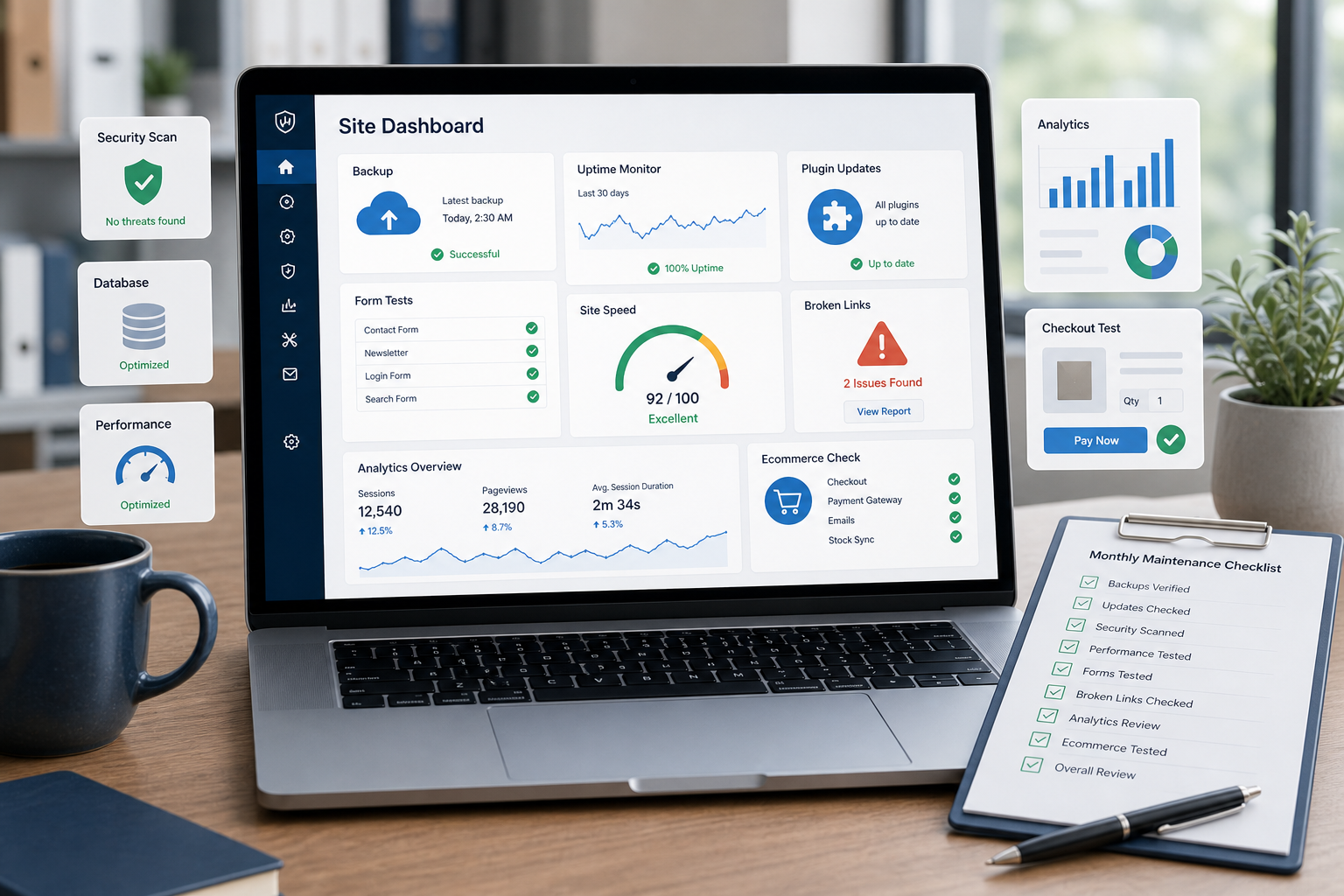
Monthly WordPress Maintenance Checklist for Businesses
A monthly WordPress maintenance checklist helps businesses keep their website stable, fast and commercially reliable. The goal is not only to update plugins, but to confirm that the site still supports leads, sales, search visibility and user trust.
Why monthly WordPress maintenance matters
WordPress websites change constantly. Plugins release updates, forms can fail, tracking scripts can slow pages, backups may stop running and technical issues can appear without obvious visual symptoms. A monthly checklist makes those risks visible before they affect users.
The monthly checklist
- Review WordPress core, theme and plugin updates.
- Check that backups are running and restorable.
- Test contact forms, lead forms and booking flows.
- Review uptime and recent downtime events.
- Check admin users and access levels.
- Check page speed on key templates.
- Review broken links and redirects.
- Test WooCommerce checkout if the site sells online.
- Check analytics, tracking and conversion events.
- Document actions, risks and recommended improvements.
What should be checked first?
Start with the areas that create the most business risk: backups, uptime, forms, checkout and pages that generate revenue or leads. Cosmetic fixes can wait if the technical foundation is weak.
Need help applying the checklist?
If your team does not have a documented maintenance process, a monthly review can reveal hidden risks in updates, backups, forms, performance and reliability.
Get in touch to review your WordPress maintenance workflow.
FAQ
How often should WordPress maintenance be done?
Most business websites should be reviewed monthly, while ecommerce or high-risk sites may need weekly or continuous monitoring.
Is updating plugins enough?
No. Updates are only one part of maintenance. Backups, forms, speed, uptime and reporting should also be checked.
Should WooCommerce be checked separately?
Yes. WooCommerce sites should test product pages, cart, checkout, payment methods, shipping rules and order emails.
Conclusion
A monthly WordPress maintenance checklist gives businesses a repeatable way to reduce technical risk. The best checklists focus first on what affects recovery, speed, leads and revenue.