


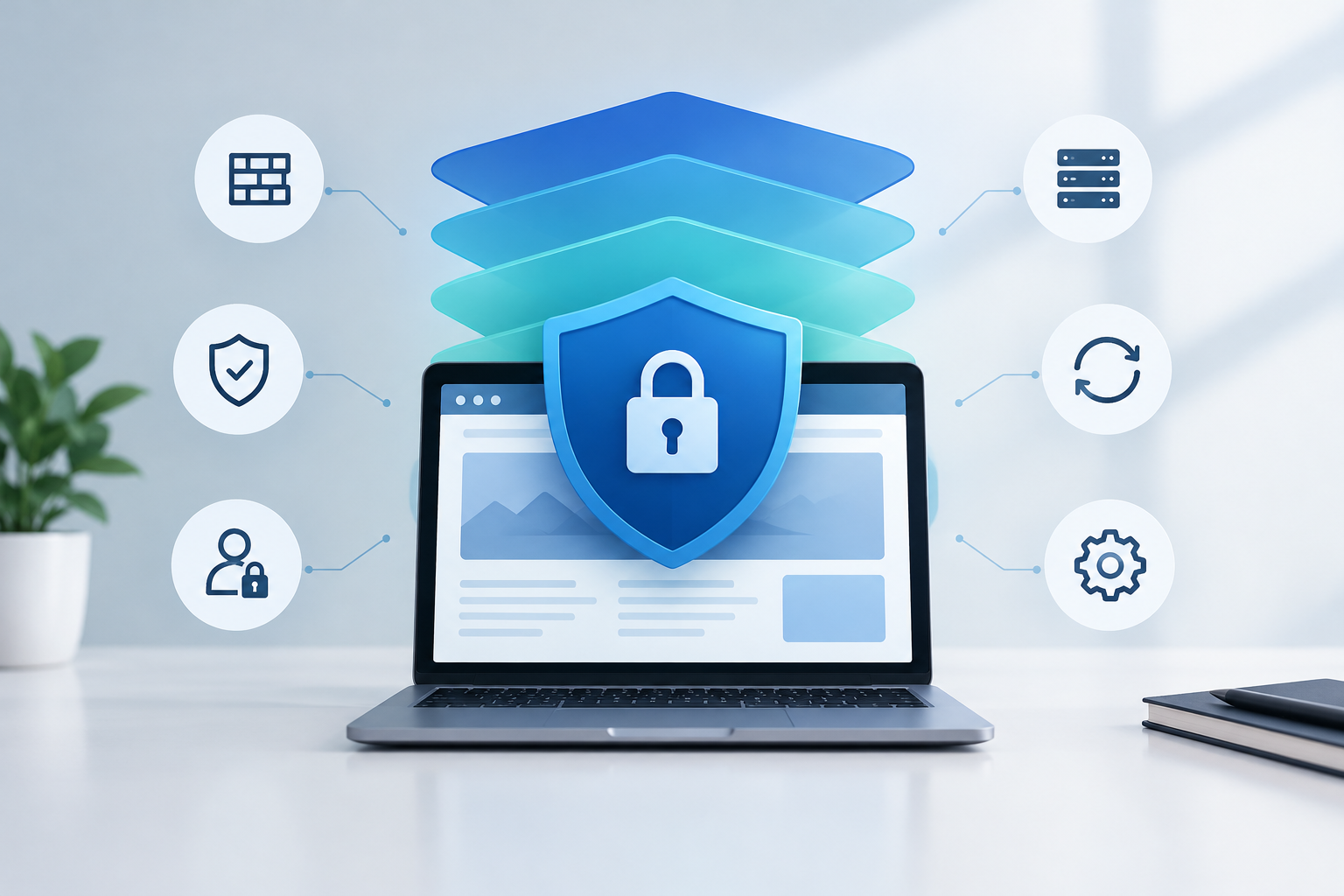
WordPress security hardening includes layered controls for identity, access, updates, application and server configuration, backups, monitoring, and incident response. Together, these safeguards reduce exposure, make unauthorized activity harder, improve detection, limit potential damage, and support recovery. A plugin may contribute to this system, but it cannot secure the entire website by itself.
Why WordPress Security Requires Multiple Layers
A WordPress installation is not a single component. Its security depends on the hosting environment, WordPress core, themes, plugins, user accounts, integrations, domains, email, deployment processes, and the people who administer them. A weakness in any one area can undermine otherwise strong controls.
Layered security assumes that individual controls can fail. If credentials are exposed, multifactor authentication may block account takeover. If malicious code reaches the site, monitoring may detect it. If production data is damaged, an isolated and tested backup may support restoration. This combination of prevention, detection, containment, and recovery is central to effective WordPress security monitoring.
The objective is not absolute security, which no responsible provider can promise. The objective is measurable risk reduction and operational resilience based on the site’s value, traffic, data, integrations, and business impact.
1. Establish an Asset and Risk Baseline
Hardening starts with knowing what must be protected. IT teams should maintain an inventory of production and testing environments, domains, administrators, service accounts, plugins, themes, integrations, repositories, hosting access, and backup locations.
Classify the site according to business impact. A brochure site, membership platform, and WooCommerce store do not have the same exposure or recovery requirements. Document sensitive data flows, regulatory obligations, critical transactions, acceptable downtime, and recovery objectives before selecting controls.
Baseline questions for IT managers
- Who owns the website, infrastructure, security decisions, and incident communications?
- Which accounts can change code, configuration, DNS, hosting, or payment integrations?
- What data does the site collect, process, transmit, and retain?
- Which plugins, themes, APIs, and external services are business-critical?
- How quickly must the site and data be restored after disruption?
- Where are logs and backups stored, and who can access them?
2. Harden Identity and Administrative Access
Compromised credentials remain a practical route into WordPress and its surrounding services. Protect WordPress administrator accounts as well as hosting, domain registrar, DNS, email, analytics, repository, and backup accounts.
- Require unique passwords generated and stored in an approved password manager.
- Enable multifactor authentication for privileged users and infrastructure accounts.
- Remove inactive users promptly and avoid shared administrator accounts.
- Apply least privilege, granting only the capabilities required for each role.
- Separate routine publishing accounts from administrator accounts.
- Review privileged access on a defined schedule and after staffing or vendor changes.
- Protect password reset email accounts with controls equal to or stronger than WordPress access.
- Rate-limit or otherwise protect authentication endpoints where appropriate.
Administrative accountability matters. Named accounts and centralized access records make it easier to attribute changes, investigate anomalies, and revoke access without disrupting other users.
3. Maintain Core, Themes, Plugins, and Dependencies
Unpatched software can leave known weaknesses exposed, but updating production without validation can create availability or functional problems. A mature process handles security and continuity together.
Use a representative testing environment to validate WordPress core, theme, and plugin changes before production deployment. Test key journeys such as login, forms, search, publishing, scheduled tasks, checkout, payment, account management, and API integrations. For a broader operational framework, review these WordPress maintenance strategies.
A controlled update workflow
- Inventory installed components and identify their business owners.
- Monitor release notes, vulnerability intelligence, and compatibility requirements.
- Create or verify a current recovery point before making changes.
- Apply updates in a protected testing environment.
- Run functional, visual, security, and performance checks.
- Deploy through a documented and access-controlled process.
- Verify production behavior, logs, security events, and critical transactions.
- Record the change, test results, deployment time, and rollback decision.
Remove unused plugins and themes rather than merely deactivating them. Every retained component adds code, maintenance work, and potential exposure. Obtain software only from trusted, accountable sources and assess whether each dependency is actively maintained.
4. Reduce the WordPress Attack Surface
Attack surface reduction means disabling unnecessary features, limiting exposed interfaces, and preventing avoidable information leakage. The correct settings depend on site functionality, so teams should test changes rather than apply generic snippets blindly.
- Delete unused accounts, themes, plugins, sample content, and obsolete integrations.
- Disable dashboard file editing when administrators do not need it.
- Restrict remote publishing or API features that are not required.
- Protect sensitive configuration files and prevent unintended directory listing.
- Use secure file and directory permissions based on the hosting architecture.
- Keep secrets out of public repositories, logs, tickets, and shared documents.
- Limit direct execution or upload behavior in directories that should contain only media.
- Avoid exposing detailed errors to visitors in production.
- Use HTTPS consistently and configure secure transport settings appropriately.
- Review scheduled tasks, webhooks, API keys, and application passwords.
Changing the default login URL or hiding version information may reduce low-quality automated noise, but these measures should not be mistaken for primary controls. Strong authentication, patching, access restrictions, and monitoring provide more substantive protection.
5. Secure the Hosting and Network Layer
WordPress cannot compensate for weak infrastructure. The web server, PHP runtime, database, operating system, control panel, file transfer services, and network controls all require secure configuration and maintenance.
- Use supported software versions and retire obsolete runtimes.
- Separate production, testing, and development environments.
- Restrict administrative services by network, identity, or another appropriate control.
- Use encrypted protocols for administration and file transfer.
- Isolate sites and service accounts to reduce cross-site impact.
- Apply a web application firewall as one defensive layer, not as a replacement for patching.
- Protect database access and prevent unnecessary public exposure.
- Manage configuration and secrets through controlled systems.
- Coordinate operating system, web server, database, and platform patching.
- Use resource and request controls to reduce abusive traffic where appropriate.
A secure hosting baseline should be documented and repeatable. Configuration drift can silently reintroduce risk, especially when teams make urgent changes without later review.
6. Protect Data and Minimize Collection
Security improves when the site stores less sensitive information. Review forms, customer records, logs, exports, media uploads, and integrations. Collect only what the business needs, retain it only as long as required, and restrict access according to role.
- Encrypt traffic with correctly configured HTTPS.
- Avoid storing payment or authentication data unless explicitly required and properly governed.
- Define retention and deletion rules for submissions, accounts, logs, and exports.
- Protect database exports and temporary files from public access.
- Review third-party data transfers and revoke obsolete API credentials.
- Redact secrets and personal data from diagnostic logs where feasible.
- Use separate credentials for integrations and rotate them after suspected exposure.
7. Build Recovery-Ready Backups
Backups are a security control only when they remain available after an incident and can be restored successfully. A copy stored solely inside the same hosting account may be lost, encrypted, or altered along with production.
- Back up the database and all files required for complete restoration.
- Store protected copies outside the production environment or security boundary.
- Use encryption and tightly controlled access for backup systems.
- Define backup frequency according to how much data the business can afford to lose.
- Set retention periods that provide clean recovery points without retaining data indefinitely.
- Monitor backup job success and investigate failures.
- Test restoration in an isolated environment on a documented schedule.
- Record recovery time and recovery point objectives, then compare test results with them.
Daily backups can be appropriate for many business sites, but transaction-heavy or frequently updated websites may need more frequent database protection. Recovery design should reflect the rate of change and the consequences of data loss.
8. Monitor for Threats, Changes, and Availability
Preventive controls do not eliminate the need for detection. Monitoring should identify suspicious authentication, unexpected file changes, malware indicators, administrative modifications, unusual traffic, configuration drift, and availability problems.
- Failed and successful privileged login patterns
- New administrators and role changes
- Plugin, theme, core, and configuration changes
- Unexpected file modifications or executable uploads
- Malware and known compromise indicators
- Traffic anomalies, probing, and repeated blocked requests
- Email delivery or redirect behavior that changes unexpectedly
- Uptime, certificate health, and critical page availability
- Backup failures and monitoring agent outages
Alerts must reach people who can assess and act on them. Define severity levels, routing, escalation paths, and expected response windows. Monthly reporting can summarize trends and completed work, but high-severity alerts require prompt operational handling rather than waiting for a report.
9. Control Code and Content Changes
Security hardening also depends on change governance. Direct production edits, unreviewed code, and unmanaged credentials create uncertainty during both routine maintenance and incident investigation.
- Use version control for custom code and configuration where practical.
- Require peer review for sensitive code and infrastructure changes.
- Scan custom code and dependencies using appropriate security tools.
- Separate development credentials from production credentials.
- Limit deployment rights and maintain an auditable change trail.
- Validate uploads, sanitize inputs, and escape outputs in custom development.
- Test rollback procedures before they are needed during an outage.
- Review extensions and custom code after ownership or vendor changes.
Security controls should not degrade critical site functions without visibility. Performance testing is also valuable because excessive requests, database load, or poorly configured protective tools can affect availability. These WordPress speed optimization techniques explain how technical efficiency and stable operations can complement maintenance work.
10. Prepare an Incident Response Process
An incident response plan reduces confusion when suspicious activity appears. It should state who has authority to isolate systems, engage hosting or legal teams, notify stakeholders, preserve evidence, approve restoration, and communicate with customers.
Core response stages
- Triage: confirm the alert, determine scope, and assign severity.
- Containment: restrict malicious access while preserving necessary evidence.
- Investigation: review logs, files, accounts, changes, and affected systems.
- Eradication: remove malicious artifacts and address the initial access path.
- Recovery: restore or rebuild from a trusted state, then validate critical functions.
- Communication: provide accurate updates through approved channels.
- Improvement: document the timeline, root cause, control gaps, and follow-up actions.
Do not assume that deleting visible malware resolves an incident. Attackers may add users, scheduled tasks, hidden files, altered configuration, database payloads, or stolen credentials. Recovery should address persistence and the original entry path before the site returns to normal operation.
A Practical WordPress Hardening Matrix
| Layer | Primary purpose | Example controls | Evidence to retain |
|---|---|---|---|
| Identity | Prevent unauthorized access | MFA, unique accounts, least privilege, access reviews | User inventory, review records, authentication logs |
| Application | Reduce exploitable exposure | Validated updates, component removal, secure configuration | Update logs, test results, component inventory |
| Infrastructure | Protect the platform | Supported runtimes, isolation, encrypted administration, firewall rules | Baseline configuration, patch records, change history |
| Data | Limit disclosure and misuse | Minimization, retention rules, restricted exports, protected secrets | Data map, retention policy, access records |
| Recovery | Restore trusted operations | Isolated backups, retention, restore testing | Backup reports, restoration results, recovery timings |
| Detection | Identify suspicious activity | Log monitoring, malware checks, file integrity, uptime alerts | Alert history, triage notes, monthly reports |
| Response | Contain and recover | Roles, escalation, investigation, credential rotation | Incident plan, timelines, post-incident actions |
How to Prioritize Hardening Work
Prioritize controls by likelihood, impact, and dependency. Do not begin with cosmetic changes while privileged accounts lack multifactor authentication or backups have never been restored.
Immediate priorities
- Secure hosting, domain, email, backup, and WordPress administrator accounts.
- Remove unknown or obsolete privileged users.
- Patch known high-risk vulnerabilities or apply compensating controls.
- Verify that a recent, protected backup can be restored.
- Remove abandoned or unnecessary extensions.
- Confirm that security and availability alerts reach an accountable responder.
Next-stage improvements
- Create a documented testing and production update workflow.
- Establish an approved application and integration inventory.
- Centralize or retain relevant logs for investigation.
- Define recovery objectives and test the incident process.
- Implement recurring access, configuration, and dependency reviews.
- Report risks, exceptions, completed maintenance, and unresolved actions.
For organizations that need structured ownership across these controls, a professional maintenance approach can combine tested updates, backups, monitoring, optimization, support, and reporting into a repeatable operating process.
Hardening Considerations by Website Type
Business and lead-generation sites
Prioritize administrator access, form data handling, plugin updates, email integrity, backups, and uptime. A compromised brochure site can still damage trust, redirect visitors, leak submissions, or distribute malicious content.
WooCommerce sites
Add transaction-aware backups, checkout testing, payment integration reviews, customer account protections, fraud-related monitoring, and stricter change windows. Recovery planning must account for orders placed between the last clean backup and the incident.
Agency-managed portfolios
Standardize baselines across sites while preserving client-specific exceptions. Use named access, consistent onboarding and offboarding, centralized alert handling, documented escalation, and reports that separate completed work from outstanding risk.
Enterprise and high-traffic sites
Emphasize role separation, formal change control, centralized logging, infrastructure isolation, dependency governance, capacity planning, tested disaster recovery, and coordination among security, IT, development, legal, and communications teams.
How to Measure Security Hardening
A useful program produces evidence. IT managers should track whether controls operate as intended, not merely whether tools are installed.
- Percentage of privileged accounts protected by multifactor authentication
- Number and age of unsupported or vulnerable components
- Time from relevant security release to validated deployment
- Backup success rate and most recent successful restoration test
- Mean time to acknowledge and contain high-severity alerts
- Number of inactive, shared, or excessive-privilege accounts
- Coverage of critical pages, transactions, and infrastructure monitoring
- Open security exceptions, assigned owners, and target resolution dates
Metrics need context. A low alert count may indicate a quiet environment, ineffective detection, or failed monitoring. Reports should explain material events, trends, exceptions, business impact, and recommended action.
WordPress Security Hardening Is an Ongoing Process
A secure WordPress website is maintained through recurring work, not a one-time installation. Threats change, software evolves, users join and leave, integrations expand, and business requirements shift. Controls therefore need scheduled validation, clear ownership, and documented evidence.
HorizonWP approaches WordPress security hardening as part of structured maintenance: testing-server validation before production updates, daily backups, proactive security monitoring, performance optimization, technical support, monthly reporting, and emergency response when needed. These layers cannot promise immunity from attacks, but they can reduce common risks and improve continuity, visibility, and recovery readiness.
Frequently asked questions
What does WordPress security hardening include?
WordPress security hardening includes strong authentication, least-privilege access, tested updates, reduced attack surface, secure server and application configuration, protected backups, continuous monitoring, logging, malware detection, and a documented incident response process.
Is a security plugin enough to secure WordPress?
No. A security plugin can support monitoring and protective controls, but it cannot replace secure hosting, identity management, timely updates, server configuration, tested backups, access reviews, and incident response planning.
How often should WordPress hardening controls be reviewed?
Review critical alerts continuously, updates and backups on an established operational schedule, user access at least quarterly, and the complete hardening baseline after major site, infrastructure, or business changes. Higher-risk sites may require more frequent reviews.
Should WordPress updates be tested before deployment?
Yes. Testing core, theme, and plugin updates in a representative nonproduction environment helps identify compatibility, checkout, form, authentication, and performance problems before production deployment.
Can WordPress security hardening prevent every attack?
No. Hardening cannot guarantee immunity from attacks. Its purpose is to reduce exposure, make common attacks more difficult, improve detection, limit potential damage, and support faster recovery.
What makes a WordPress backup suitable for security recovery?
A recovery-ready backup includes the database and required files, is protected from production account compromise, follows a defined retention policy, and has been verified through restoration testing.