


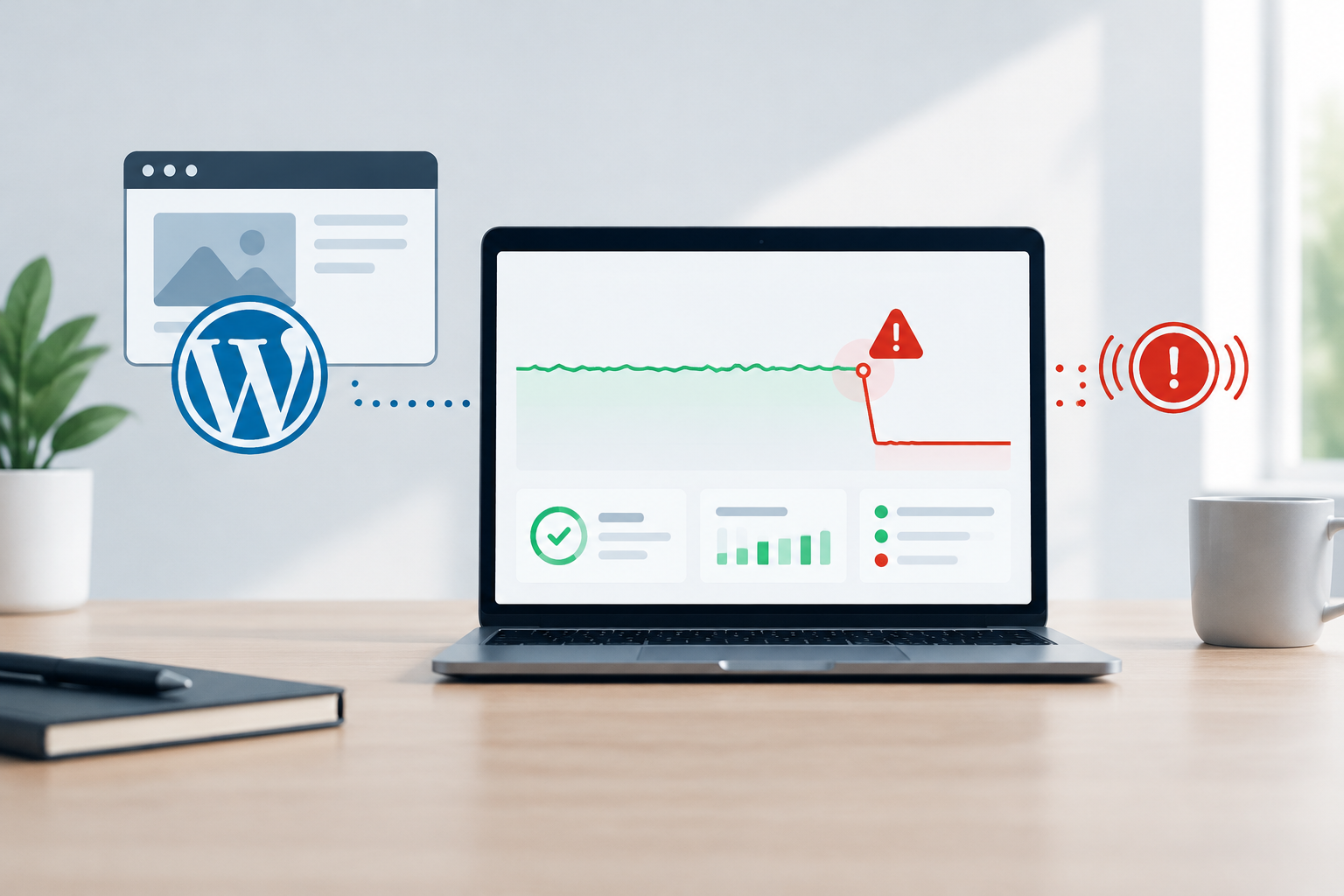
WordPress uptime monitoring works by sending automated requests to a website at regular intervals, checking whether it responds correctly, and issuing downtime alerts when repeated checks fail. This shortens the gap between an outage beginning and the responsible team investigating, often before customers need to report the problem.
What WordPress uptime monitoring checks
A monitoring service tests a public website endpoint as if it were a visitor or automated client. Depending on its configuration, it can check whether the domain resolves, a connection succeeds, the server responds within an expected period, and the returned HTTP status or page content is acceptable.
This process is also called website availability monitoring. It runs continuously, including outside business hours, so detection does not depend on an employee opening the site or a customer finding an error.
Typical signals an uptime check can detect
- Connection timeouts or a server that does not respond
- DNS resolution failures
- HTTP errors such as server-side 5xx responses
- Unexpected redirects or inaccessible pages
- A required phrase or page element that is missing
- Slow responses that exceed a configured threshold
- SSL or TLS certificate connection problems, when monitored
A basic check confirms reachability. More advanced monitoring validates a specific page or expected content, which can reveal situations where the server responds but the website shows an error page. Transaction monitoring can go further by testing critical journeys, but it requires careful configuration and maintenance.
How a downtime alert moves from check to response
24/7 website monitoring is most useful when checks connect to a clear response process. The typical sequence is straightforward:
- The monitoring system requests a selected WordPress page.
- It records the result, response code, and response time.
- If the check fails, it repeats the test or checks from another location.
- Once the failure meets the alert rule, it notifies the designated contact or support team.
- The team verifies the problem, reviews available evidence, and begins diagnosis.
- Monitoring confirms recovery and records the incident history.
Confirmation checks matter because a single failed request may reflect a brief routing issue rather than a website-wide outage. Testing from multiple locations can provide better evidence, but no monitoring configuration eliminates every false positive or blind spot.
What a useful alert should contain
WordPress downtime alerts should be actionable rather than vague. A useful notification identifies the affected domain or page, the first failure time, the type of failure, the monitoring location, and whether repeated checks confirmed it. It should also reach a channel that someone is responsible for watching.
- Affected URL
- Failure time and duration
- Observed HTTP status or error
- Response-time information
- Check location
- Confirmation status
- Link to incident history or diagnostics
Why automated detection beats waiting for customer reports
Customer reports are an unreliable monitoring method. Visitors may leave without contacting the business, reports can arrive without technical details, and an outage outside office hours may remain unnoticed for a long period.
Automated monitoring establishes a consistent detection process. It can reduce mean time to detect, provide an incident timestamp, and help teams determine whether a failure is ongoing or intermittent. Faster detection does not guarantee instant resolution, but it gives responders an earlier opportunity to limit disruption.
What can cause WordPress downtime?
An unavailable WordPress website may have an application, hosting, network, DNS, certificate, database, or security-related cause. Monitoring detects the symptom first. Diagnosis then identifies the underlying problem.
| Possible cause | What monitoring may observe | Likely next step |
|---|---|---|
| Hosting or server failure | Timeouts or widespread 5xx errors | Check infrastructure status and server logs |
| Plugin, theme, or core conflict | Errors after a deployment or update | Review recent changes and application logs |
| Database problem | Connection errors or incomplete pages | Check database health and credentials |
| DNS issue | Domain resolution failure | Review DNS records and provider status |
| Resource exhaustion | Slow responses followed by timeouts | Inspect CPU, memory, storage, and traffic |
| Security incident | Errors, redirects, or blocked access | Investigate logs and security alerts |
| Certificate issue | Secure connection failure | Validate certificate status and configuration |
Security events can overlap with availability incidents, so uptime data is stronger when paired with WordPress security monitoring. Security monitoring may provide threat and change information that an availability check alone cannot see.
Uptime monitoring is one layer of WordPress maintenance
Monitoring tells you that a problem exists. It does not replace preventive maintenance or provide the recovery resources needed to resolve every incident. A resilient approach combines monitoring with disciplined operational controls.
- Tested WordPress core, theme, and plugin updates
- Daily backups with an understood restoration process
- Security monitoring and threat mitigation
- Performance and database optimization
- Technical support and documented escalation
- Monthly reporting and incident review
Changes are a common source of website instability. Using testing-server validation before production updates can identify compatibility issues away from the live site. Monitoring then helps verify availability after an approved change goes live.
How HorizonWP approaches availability and response
HorizonWP treats uptime monitoring as part of structured WordPress maintenance, not as an isolated status checker. Monitoring works alongside testing-server validation, daily backups, security oversight, performance optimization, technical support, and clear reporting.
When an alert occurs, the response should begin with verification and scope assessment. The team can then review recent changes, server behavior, security signals, and application evidence before selecting a recovery action. After service returns, important pages and functions should be validated rather than assuming one successful check means the entire website is healthy.
Incident and maintenance records also give business owners visibility into recurring issues. A useful monthly maintenance report can summarize availability, work completed, detected risks, and recommended next steps.
How to choose an uptime monitoring setup
The right setup depends on how much business impact downtime can create. A brochure website, lead-generation site, membership platform, and WooCommerce store do not carry identical operational risk.
Match monitoring to business risk
- Choose shorter check intervals when each minute of downtime has greater impact.
- Monitor critical pages, not only the homepage.
- Use more than one monitoring location when regional reachability matters.
- Set escalation contacts and ownership before an incident occurs.
- Define maintenance windows to avoid unnecessary alerts during planned work.
- Keep alert thresholds sensitive enough to detect incidents without creating constant noise.
- Review trends and recurring failures, not only individual outages.
For an ecommerce or high-traffic website, a homepage check alone may be insufficient. Important functions such as product browsing, account access, forms, or checkout can fail while the homepage remains reachable. The monitoring strategy should reflect the paths that matter most to customers and revenue.
Build an incident response process before downtime occurs
Monitoring creates value only when someone can act on its alerts. Assign ownership, document support channels, identify who can access hosting and WordPress administration, and establish when an incident should be escalated. Keep current backups available and ensure responders know the conditions for restoration.
For business website owners, the practical goal is not a claim of perfect availability. It is earlier detection, organized response, safer recovery, and clearer reporting. WordPress uptime monitoring supports that goal by turning an invisible outage into a timestamped, actionable event.
Frequently asked questions
How does WordPress uptime monitoring work?
WordPress uptime monitoring sends automated requests to a website at recurring intervals and checks the response. If checks fail or return an unexpected result, the system confirms the issue and sends an alert so the support team can investigate.
How often should a WordPress website be checked?
The appropriate interval depends on business impact and risk. A business-critical website or WooCommerce store generally benefits from more frequent checks than a low-traffic informational site because every additional minute of undetected downtime may affect customers.
Can uptime monitoring prevent WordPress downtime?
No. Monitoring does not prevent every outage. It reduces detection time and provides evidence that supports diagnosis. Preventive maintenance, tested updates, backups, security controls, and reliable infrastructure help reduce the likelihood and impact of downtime.
What should a WordPress downtime alert include?
A useful alert should identify the affected website, failure time, failed check or status, monitoring location, and whether subsequent checks confirmed the outage. Recovery notifications and incident history are also valuable.
Does uptime monitoring detect slow WordPress pages?
Basic uptime checks may record response time, but they do not provide complete performance analysis. Performance monitoring should also assess page speed, server behavior, database activity, caching, and resource constraints.
What happens after an uptime alert?
The support team should verify the outage, assess its scope, review recent changes and system evidence, apply the safest recovery action, confirm that important website functions work, and document the incident.