


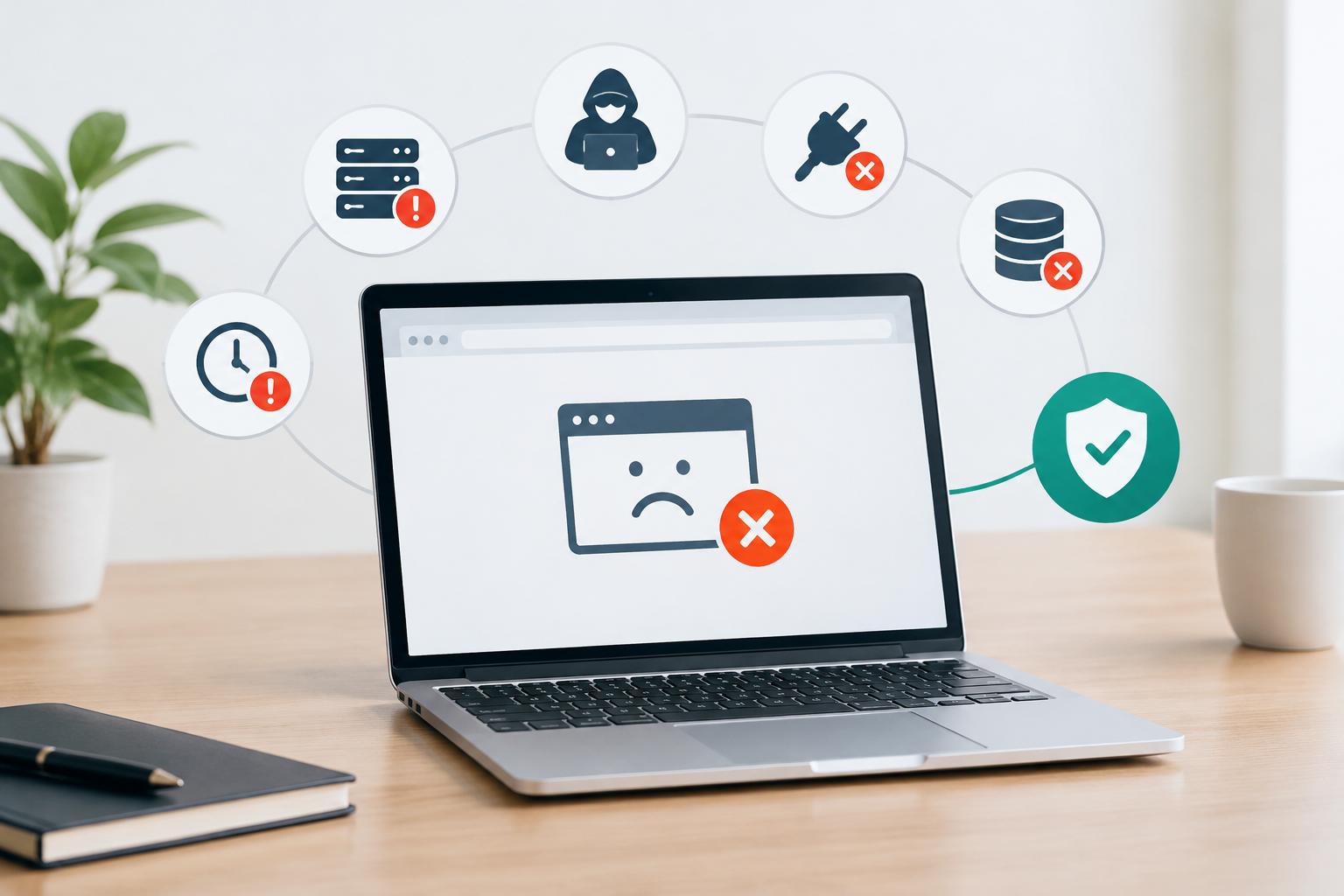
The most common WordPress downtime causes are hosting failures, incompatible updates, cyberattacks, exhausted server resources, database errors, configuration mistakes, expired domains or certificates, DNS problems, and failed third-party services. Preventive controls combine availability monitoring, testing before production changes, reliable backups, security oversight, capacity management, and a documented recovery process.
What counts as WordPress downtime?
WordPress downtime is any period when a website or an essential function is unavailable to its intended users. A blank page or server error is obvious downtime, but an inaccessible checkout, failed contact form, broken login, or unavailable application integration can create an operational outage even while the homepage loads.
This distinction matters because a basic ping may report that the server is online while customers cannot complete important tasks. Effective website availability monitoring therefore evaluates expected responses and critical workflows, not only whether an IP address responds.
The leading causes of WordPress downtime
1. Hosting and infrastructure failures
A WordPress site depends on web servers, databases, storage, networks, power, and data center services. Hardware faults, platform incidents, storage exhaustion, network interruptions, or account-level restrictions can make the entire site unavailable.
Operations teams should review infrastructure status during an incident, but they should not assume every outage is a hosting failure. Application errors can produce similar symptoms, so diagnosis needs evidence from external checks, server logs, WordPress logs, and recent change records.
2. Core, theme, and plugin conflicts
Updates can change code, database structures, PHP requirements, or dependencies. A component that works alone may conflict with another component or with the server environment, causing fatal errors, inaccessible administration screens, or broken user journeys.
The safest operational pattern is to validate updates on a testing server that reflects production, check essential functions, create a current backup, and then deploy through a controlled process. This is part of disciplined WordPress maintenance, not a reason to avoid updates indefinitely. Delayed updates can leave known defects and vulnerabilities unresolved.
3. Cyberattacks and compromised components
Credential attacks, malicious requests, malware, vulnerable extensions, and denial-of-service activity can overload resources, alter files, redirect visitors, or force a site offline during containment. A compromise may also remain subtle, which makes log review and integrity checks important even when the website appears available.
Layered WordPress security monitoring can identify suspicious changes and behavior earlier. It should complement prompt patching, least-privilege access, multifactor authentication where supported, protected credentials, and an incident response process. These controls reduce risk, but they cannot guarantee immunity from attack.
4. Traffic spikes and resource exhaustion
A campaign, media mention, bot surge, or inefficient background process can exhaust CPU, memory, PHP workers, database connections, or bandwidth. Disk capacity can also disappear because of oversized logs, cached files, backup archives, or database growth.
Symptoms often include slow responses before complete failure. Tracking resource utilization, application response times, error rates, and traffic patterns helps teams intervene before users encounter a sustained outage.
5. Database failures and corruption
WordPress relies on its database for content, settings, users, orders, and other dynamic records. Connection failures, damaged tables, long-running queries, lock contention, storage issues, or incorrect credentials can make the site unavailable or leave only static assets accessible.
Database health requires more than periodic cleanup. Teams should monitor connection and query failures, control high-impact changes, maintain restorable backups, and verify that recovery procedures preserve the necessary transaction history.
6. DNS, domain, and TLS certificate problems
An expired domain, incorrect DNS record, failed nameserver change, or expired TLS certificate can make a healthy server appear unavailable or unsafe. These failures often arise outside the WordPress application, so application-only monitoring may miss the approaching risk.
Maintain an inventory of renewal dates, account owners, registrar access, DNS providers, and certificate processes. Use expiration alerts well in advance, and confirm that billing and administrative contacts remain current.
7. Human error and configuration mistakes
Incorrect file permissions, accidental deletions, malformed server rules, unsupported PHP changes, or edits made directly in production can create immediate downtime. Shared administrator accounts and undocumented access make attribution and reversal more difficult.
Change controls should match business risk. At minimum, require named accounts, least-privilege permissions, backups before material changes, recorded implementation steps, validation after deployment, and a clear rollback trigger.
8. External service and integration failures
Payment gateways, authentication providers, email services, APIs, content delivery networks, consent tools, and analytics scripts can fail independently. Poorly implemented integrations may wait indefinitely or throw errors that affect the wider site.
Use reasonable timeouts, graceful error handling, and monitoring for business-critical integrations. Decide which dependencies should fail open, fail closed, or present an alternative path, based on security and operational requirements.
9. Performance degradation that becomes an outage
A site can be technically reachable but operationally unavailable when pages take too long to load or requests repeatedly time out. Oversized assets, uncached dynamic pages, slow queries, inefficient extensions, and insufficient server resources can all contribute.
Investigating common WordPress speed issues helps distinguish front-end weight from application, database, network, or capacity constraints. Performance work should be measured before and after changes so that teams address the actual bottleneck.
Preventive controls that improve WordPress availability
No single tool prevents WordPress downtime. Reliable operations use layered controls that reduce the chance of failure, shorten detection time, limit impact, and speed restoration.
| Control | Risk addressed | Operational evidence |
|---|---|---|
| External availability monitoring | Undetected outages and slow response | Timestamped checks, alert history, response-time trends |
| Testing-server validation | Update conflicts and deployment errors | Test checklist, approval record, deployment log |
| Daily and event-based backups | Data loss and slow recovery | Successful backup logs, retention records, restore test results |
| Security monitoring | Compromise and malicious activity | Scan results, change alerts, investigation records |
| Performance and capacity monitoring | Resource exhaustion and timeouts | CPU, memory, storage, worker, query, and latency trends |
| Access and change control | Human error and unauthorized changes | Named accounts, audit trail, change record, rollback plan |
| Dependency monitoring | External integration failures | Synthetic workflow tests, provider status alerts |
| Incident response plan | Confused or delayed recovery | Owner list, escalation path, communication template, review notes |
Monitor from the user’s perspective
Run checks from outside the hosting environment. Monitor representative pages, expected content, DNS resolution, certificate validity, and response time. For transactional sites, test important journeys such as browsing, login, form submission, and checkout without creating unintended records.
- Set alert thresholds that distinguish brief network noise from a material incident.
- Send alerts to a channel that an assigned person actively monitors.
- Use escalation rules if the first responder does not acknowledge the incident.
- Test notifications and synthetic transactions regularly.
- Track detection time and restoration time as operational metrics.
Validate changes before production
A representative testing environment allows teams to identify compatibility issues before customers encounter them. Copying production data may create privacy and security concerns, so sensitive records should be protected, minimized, or sanitized according to organizational requirements.
- Record the current software and server versions.
- Create and verify a suitable backup before major work.
- Apply changes in a defined sequence.
- Check the homepage, administration area, forms, authentication, search, and other critical workflows.
- Review application and server logs for new errors.
- Deploy during an appropriate change window and monitor afterward.
- Rollback when predefined failure conditions occur.
Maintain recoverable backups
A completed backup job is not the same as a proven recovery capability. Backups should cover the database and required files, use appropriate retention, remain protected from unauthorized access, and include at least one copy isolated from the production environment.
Daily backups are a useful baseline for many business websites. Sites with frequent orders, registrations, publishing, or account changes may need more frequent database protection because the recovery point objective, meaning the acceptable amount of data loss measured in time, is shorter.
Manage performance and capacity proactively
Establish normal ranges for traffic, latency, errors, CPU, memory, storage, database load, and application workers. Trend data is more useful than a single snapshot because gradual growth can reveal approaching limits before an incident occurs.
- Alert on storage growth and low free space.
- Review slow queries and repeated application errors.
- Test important pages under realistic conditions.
- Plan capacity before campaigns, launches, and seasonal peaks.
- Remove or replace unnecessary components after controlled evaluation.
Prepare an incident response and rollback plan
Monitoring only creates value when the alert triggers an effective response. Define who assesses the incident, who can approve changes, who communicates with stakeholders, and when to involve hosting, security, development, or service providers.
- Confirm whether the incident is global, regional, or limited to a workflow.
- Record the first known failure and preserve relevant logs.
- Review recent deployments, configuration changes, and security alerts.
- Avoid destructive troubleshooting when compromise is possible.
- Use the documented rollback or restoration path.
- Validate critical functions after service returns.
- Complete a blameless review with corrective actions and owners.
Set availability and recovery objectives
Operations managers need explicit targets to prioritize controls. Define the recovery time objective, which is the acceptable time to restore service, and the recovery point objective, which is the acceptable period of data loss. A brochure site and a busy WooCommerce operation may require different monitoring intervals, backup frequencies, escalation paths, and restoration procedures.
Targets should reflect customer impact, transaction volume, legal or contractual obligations, internal staffing, and dependency risk. They should also be tested. A recovery objective that has never been exercised is an assumption rather than demonstrated capability.
A practical WordPress downtime prevention checklist
- Inventory the domain, DNS, certificate, hosting, WordPress components, and critical integrations.
- Assign named owners and backup contacts for each service.
- Monitor uptime, expected page content, response time, and essential workflows.
- Keep WordPress core, themes, and plugins updated through a controlled process.
- Validate material updates on a representative testing server before production.
- Maintain protected backups aligned with the site’s rate of change.
- Test restoration and document the time, dependencies, and results.
- Monitor security events, file changes, account activity, and relevant logs.
- Track performance and capacity trends instead of waiting for timeouts.
- Use least-privilege access and named administrator accounts.
- Document rollback, escalation, stakeholder communication, and emergency procedures.
- Review every significant incident and verify that corrective actions are completed.
How to prioritize controls by operational risk
Start with controls that improve visibility and recovery: external monitoring, reliable backups, assigned responders, and a documented restoration path. Next, reduce the likelihood of incidents through testing-server validation, patch management, security monitoring, access control, and capacity reviews.
Higher-risk sites should add synthetic transaction monitoring, more frequent data protection, tighter change windows, deeper log analysis, and practiced incident exercises. The right level depends on the cost of interruption and data loss, not merely the website’s page count.
Build continuity through preventive maintenance
WordPress uptime issues are rarely solved by one emergency fix. Availability improves when monitoring, testing, backups, security, performance, and support operate as a repeatable system. Clear reports should show completed work, detected risks, incidents, trends, and outstanding recommendations so operations teams can make informed decisions.
HorizonWP supports this structured approach with testing-server validation before production updates, daily backups, proactive security monitoring, performance optimization, uptime monitoring, technical support, and monthly maintenance reporting. Review your maintenance requirements and choose a level of oversight that matches the site’s business impact, change frequency, traffic, and risk profile.
Frequently asked questions
What commonly causes WordPress downtime?
WordPress downtime commonly results from hosting or infrastructure failures, incompatible core, theme, or plugin updates, cyberattacks, exhausted server resources, database problems, configuration mistakes, expired domains or certificates, DNS issues, and failures in external services.
How can I prevent WordPress downtime?
Reduce downtime risk with continuous availability monitoring, testing-server validation before production updates, daily backups, security monitoring, performance and capacity reviews, controlled access, documented rollback procedures, and regular recovery testing.
Can a WordPress plugin cause an outage?
Yes. A plugin can trigger fatal errors, conflict with another component, overload server resources, or introduce a security vulnerability. Test changes before production, update in controlled batches, and keep a rollback path available.
How often should a WordPress site be backed up?
Backup frequency should reflect how often the site changes and how much data the business can afford to lose. Daily backups are a practical baseline for many business sites, while active WooCommerce or high-transaction sites may require more frequent database backups.
What should website availability monitoring check?
Monitoring should check page responses, expected content, DNS and TLS availability, response times, and critical user journeys such as login, checkout, and form submission. Alerts should reach an assigned responder through a tested escalation process.
What should an operations manager do during WordPress downtime?
Confirm the scope, record the incident start time, pause risky changes, review recent deployments and monitoring data, preserve evidence when compromise is suspected, activate the appropriate rollback or recovery procedure, communicate status, and document the cause after restoration.