



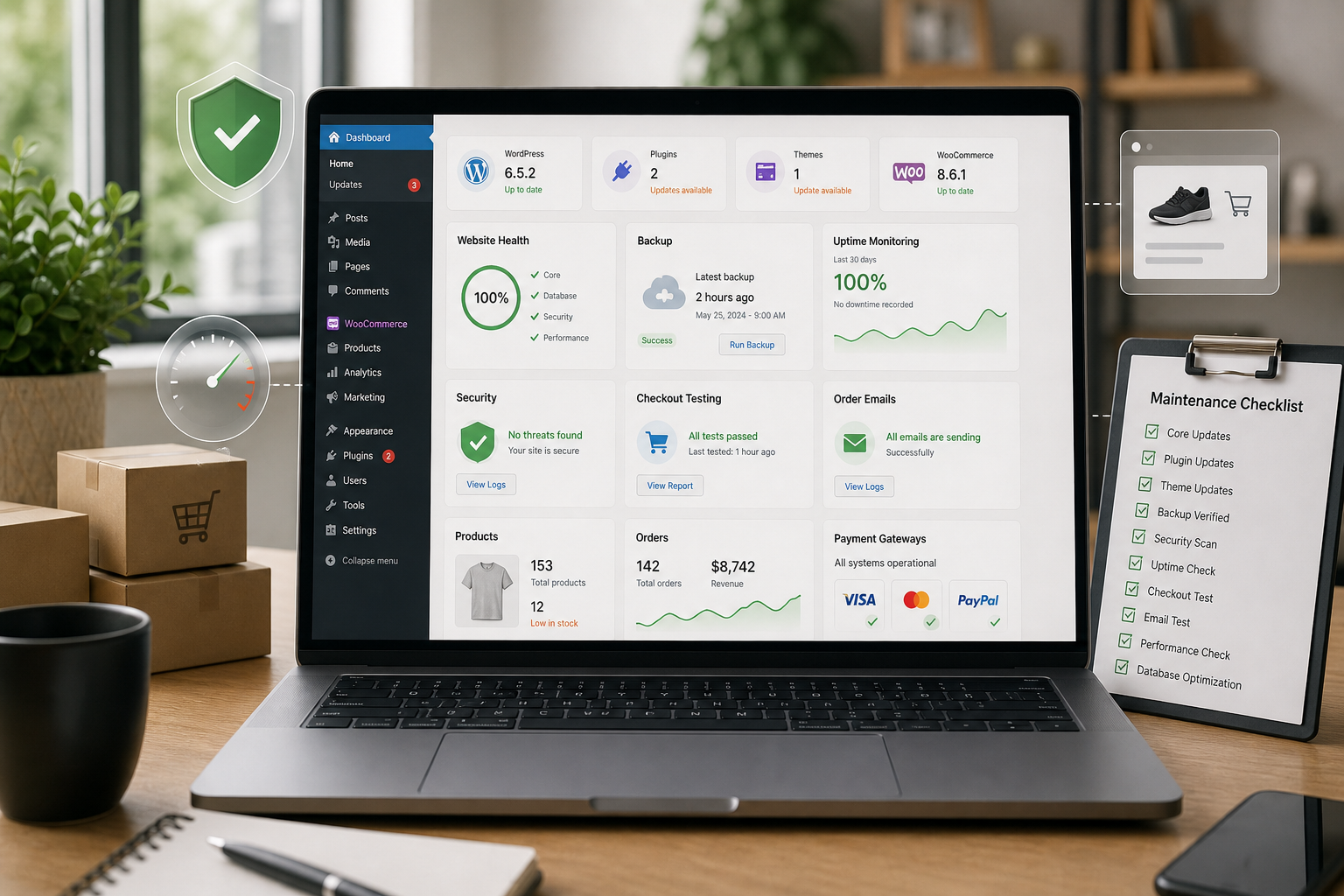
WordPress Maintenance for Ecommerce: Risks, Checklist and Plan
WordPress maintenance for ecommerce is the process of keeping a WooCommerce or WordPress-based online store secure, stable, fast and commercially reliable. It goes beyond plugin updates. A good maintenance plan protects checkout, payments, product pages, customer emails, backups, uptime, security and performance.
For ecommerce websites, small technical issues can become revenue problems quickly. A broken payment gateway, slow product page, failed order email or plugin conflict can directly affect sales and customer trust.
Why ecommerce maintenance is different from standard WordPress maintenance
A simple WordPress brochure site may only need updates, backups, monitoring and occasional support. Ecommerce sites need additional checks because they process transactions, customer data and business-critical workflows.
| Area | Standard WordPress site | Ecommerce WordPress site |
|---|---|---|
| Updates | Theme and plugins | WooCommerce, payments, shipping and integrations |
| Backups | Periodic backups | More frequent backups aligned with order volume |
| Testing | Pages and forms | Product, cart, checkout, emails and payments |
| Security | Basic hardening | Customer data, payment flows and account protection |
| Performance | Core templates | Product pages, category pages, cart and checkout |
Main risks for WooCommerce and ecommerce sites
Checkout failures
Checkout is the most important flow in an ecommerce site. Maintenance should test cart behavior, payment methods, coupons, shipping rules, taxes, order confirmation and transactional emails.
Plugin conflicts
WooCommerce stores often rely on many plugins for payments, shipping, subscriptions, product filters, invoices, marketing and analytics. One update can affect another part of the buying journey.
Backup gaps
A backup taken once a day may not be enough for a busy store. If orders happen throughout the day, the backup strategy must reflect how much data the business can afford to lose.
Security exposure
Ecommerce websites are attractive targets because they handle customer accounts, orders and payment-related workflows. Maintenance should include updates, login protection, malware checks and monitoring.
Performance decline
Product images, tracking scripts, filters, recommendations and dynamic cart fragments can slow down ecommerce pages. Performance should be monitored on revenue-critical templates, not only on the homepage.
Monthly ecommerce maintenance checklist
- Review WordPress, WooCommerce, theme and plugin updates.
- Test updates in staging for high-risk stores.
- Confirm backups are running and restorable.
- Test product page, cart, checkout and payment methods.
- Check order confirmation emails and customer notifications.
- Review failed orders, payment errors and checkout abandonment signals.
- Scan for malware and suspicious admin accounts.
- Check uptime and recent downtime events.
- Review speed on product, category, cart and checkout templates.
- Check broken links, redirects and important SEO templates.
How often should ecommerce maintenance be done?
Maintenance frequency depends on order volume, plugin complexity and business risk. A small store may review maintenance monthly, while high-volume stores often need weekly or continuous monitoring for uptime, security, checkout and backups.
| Store type | Suggested maintenance level |
|---|---|
| Small store with low order volume | Monthly checks and reliable backups |
| Growing WooCommerce store | Weekly checks, staging and checkout validation |
| High-volume ecommerce site | Continuous monitoring and more frequent backups |
| Subscription or membership store | Extra testing for renewals, access and payment logic |
Need a safer ecommerce maintenance workflow?
If your store depends on WooCommerce, payments, customer emails and checkout reliability, a technical maintenance review can identify where the biggest risks are before they affect sales.
Request a WordPress ecommerce maintenance review to assess backups, updates, security, performance and checkout risk.
FAQ
Is WooCommerce maintenance different from WordPress maintenance?
Yes. WooCommerce maintenance needs extra checks for checkout, payments, shipping, order emails, customer accounts, product pages and revenue-critical workflows.
How often should WooCommerce be updated?
Updates should be reviewed regularly, but high-risk WooCommerce updates should be tested in staging before being applied to a live store.
What should be tested after WooCommerce updates?
Test product pages, cart, checkout, payment gateways, shipping methods, coupons, order confirmation emails and customer account flows.
Do ecommerce sites need more frequent backups?
Often yes. Backup frequency should reflect order volume and how much order or customer data the business can afford to lose.
Conclusion
WordPress maintenance for ecommerce is about protecting revenue and customer trust. The safest plans combine updates, backups, checkout testing, security monitoring, uptime checks and performance review for the templates that matter most.